Building a coherent visual direction.
Start from the real garment and keep it recognisable while the campaign explores set, light and framing. One look, one visual language, frame after frame.
Start from one product image. Explore sets, framings and campaign directions while keeping the product at the centre.
Start free. No credit card required.
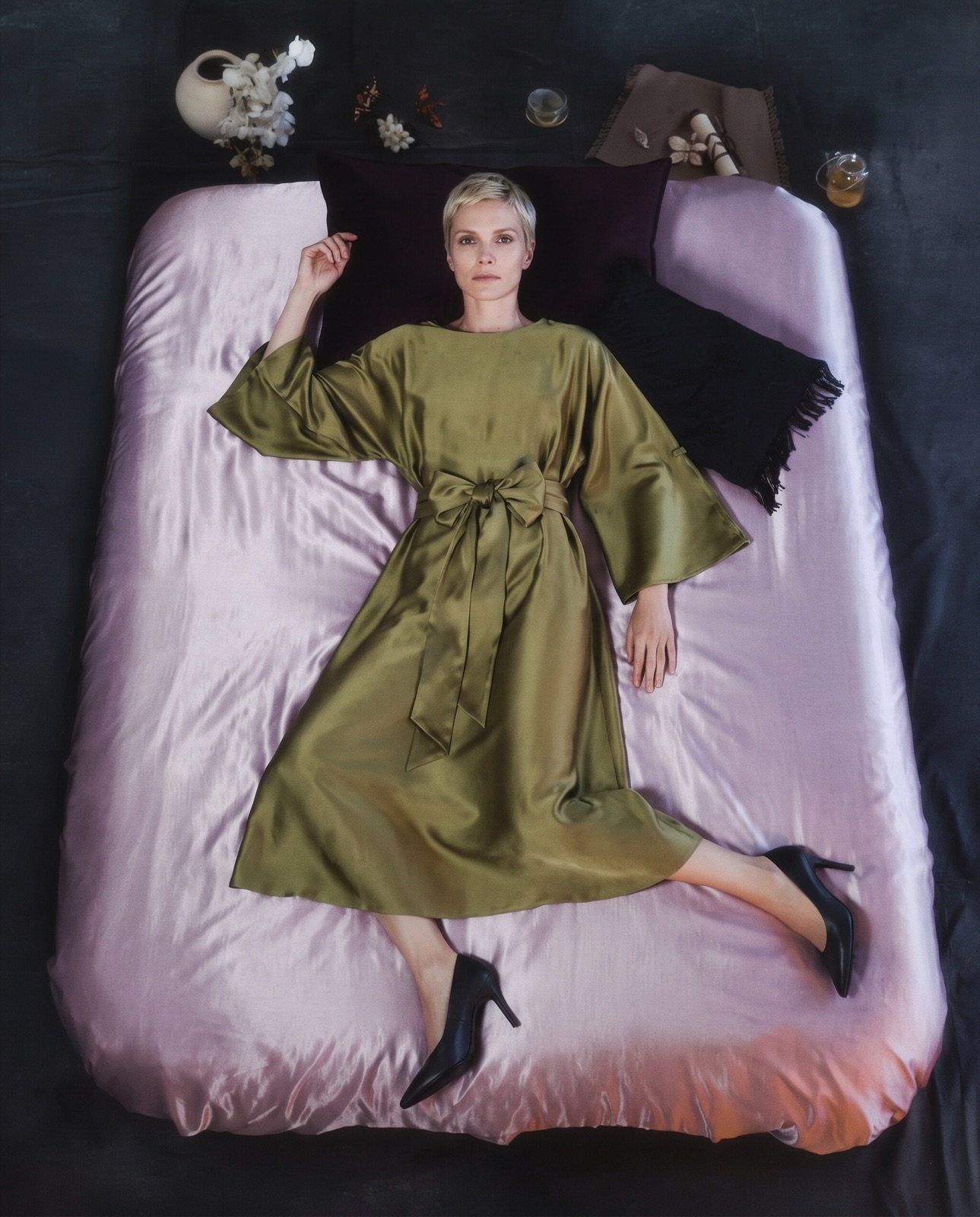
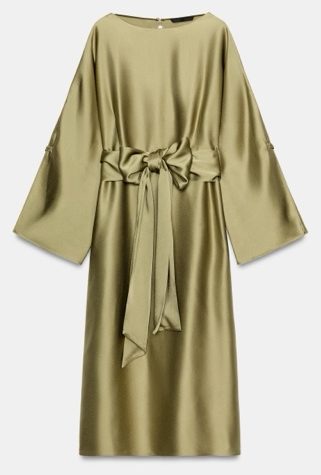
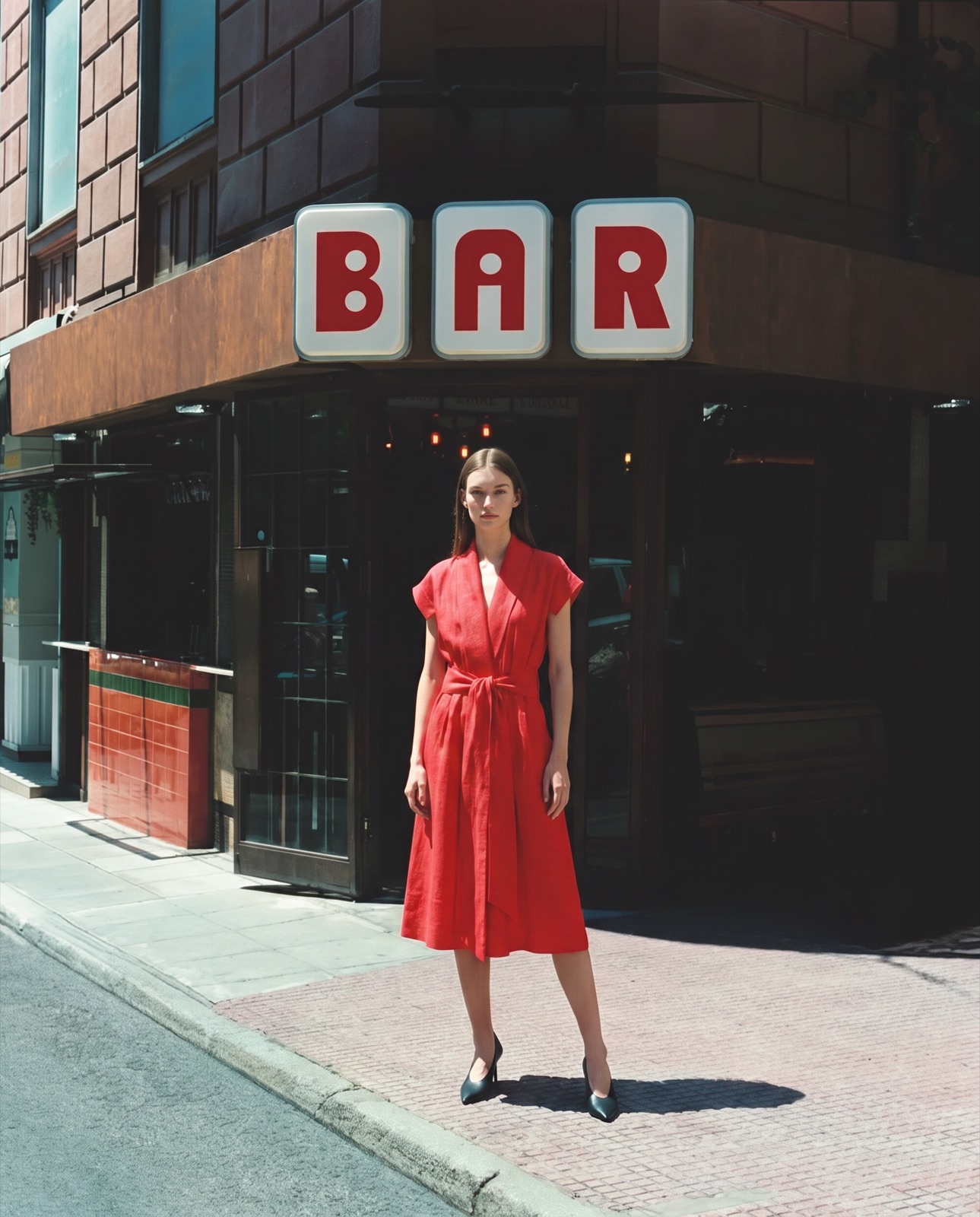
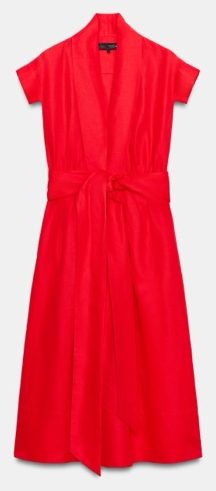
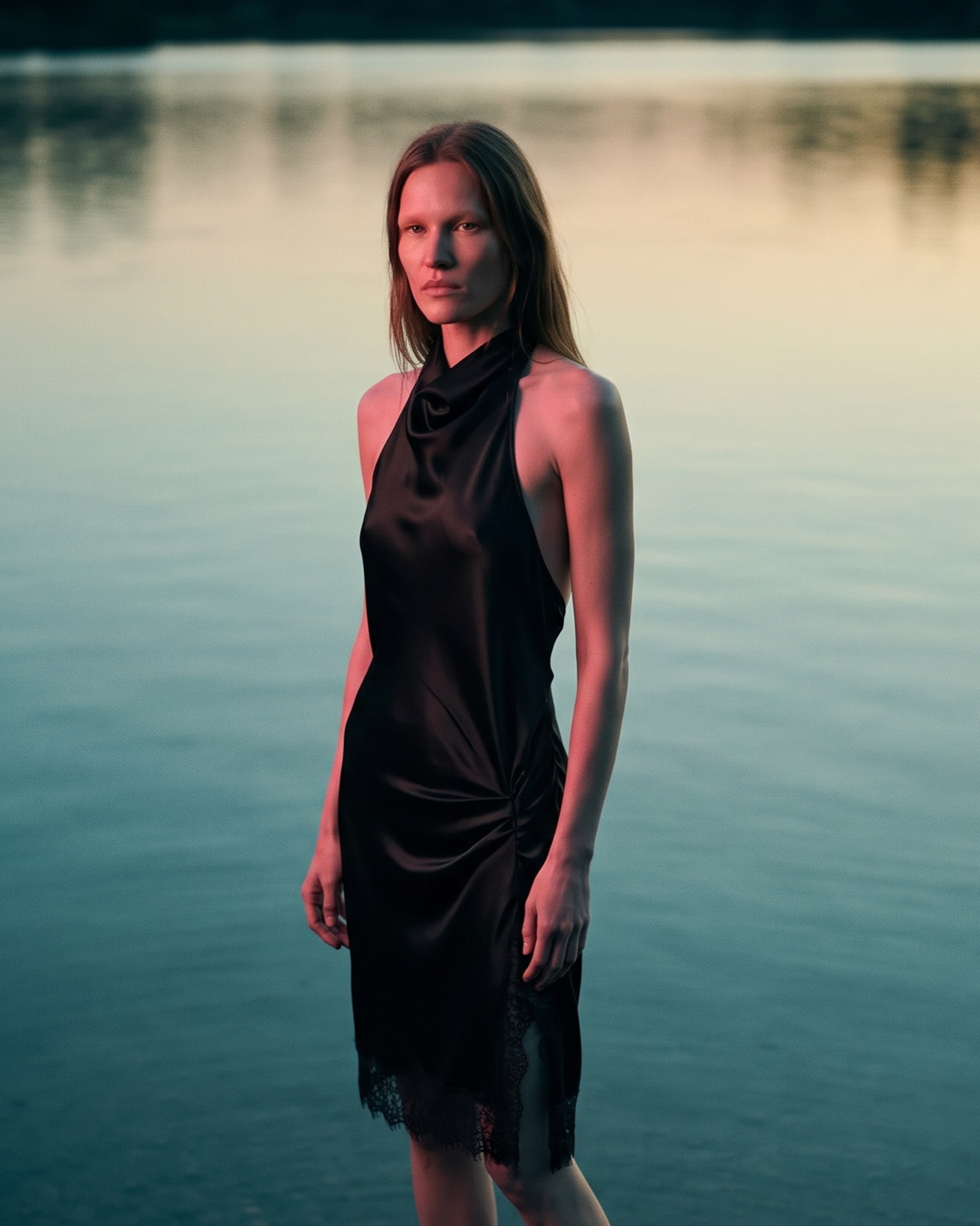
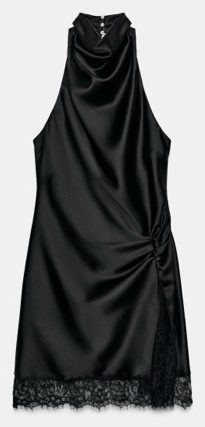
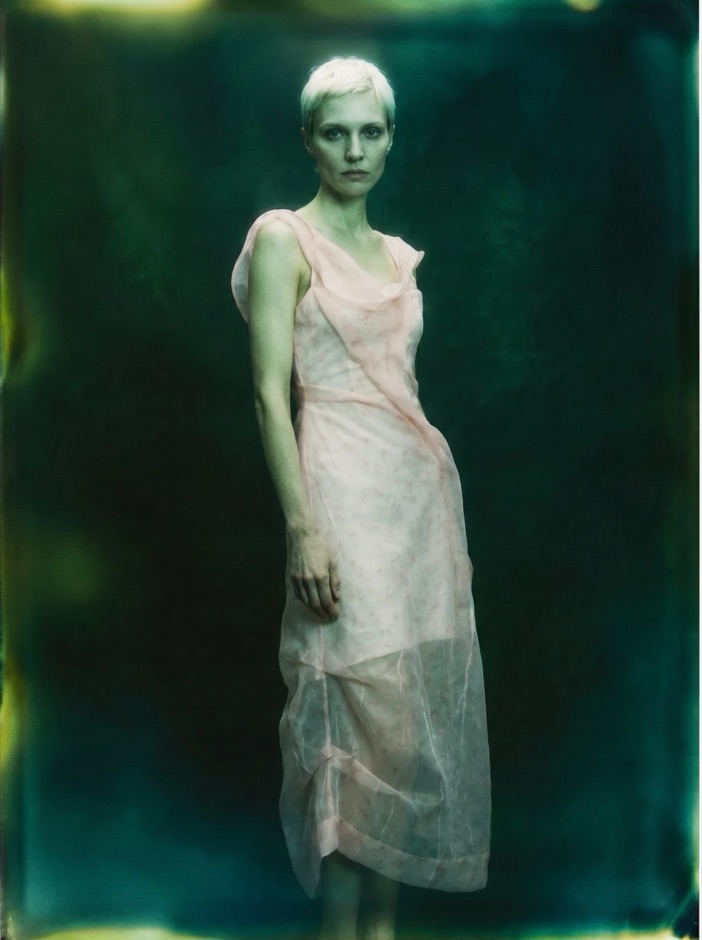
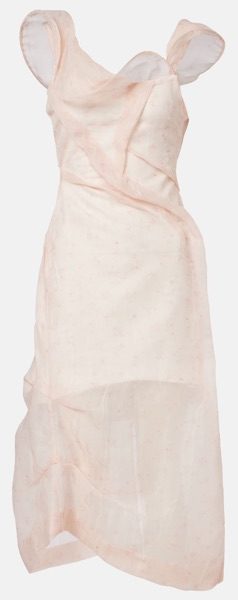
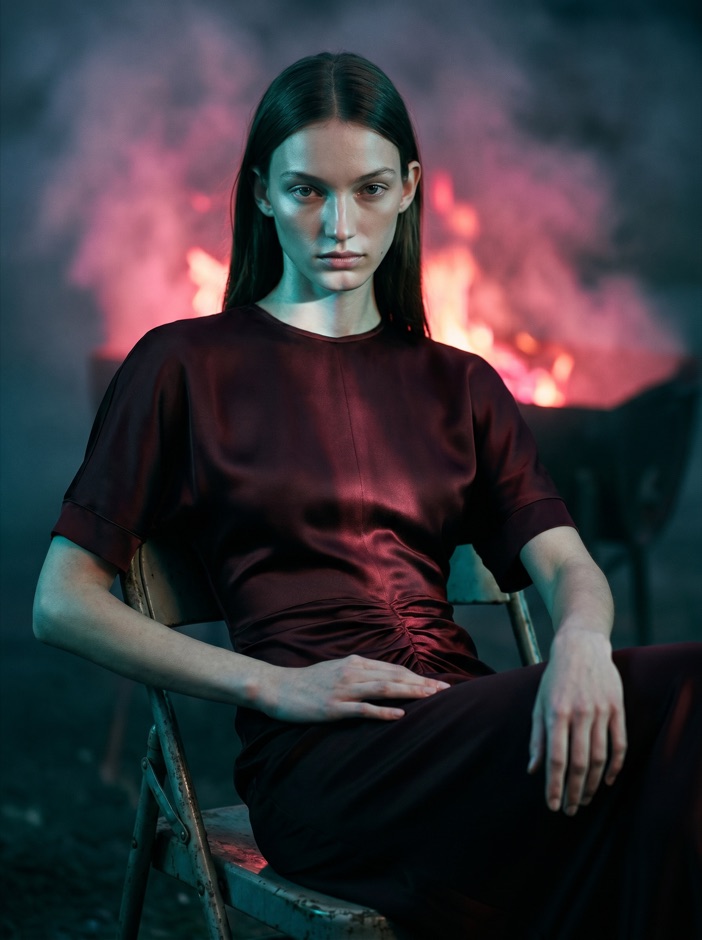
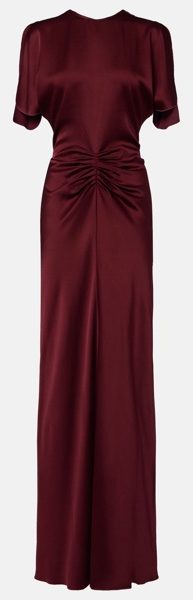
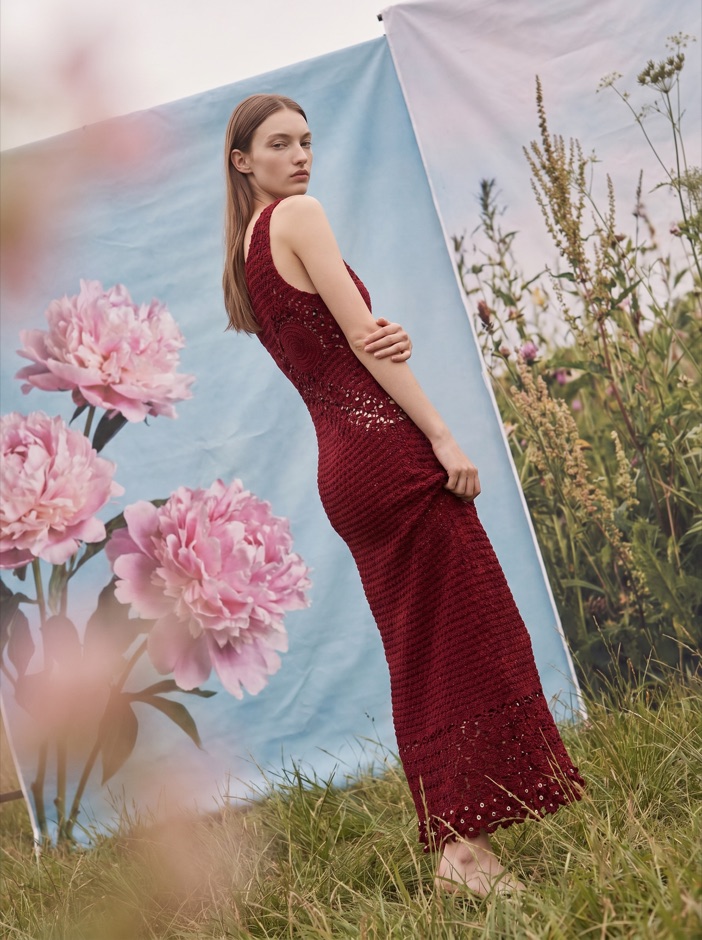
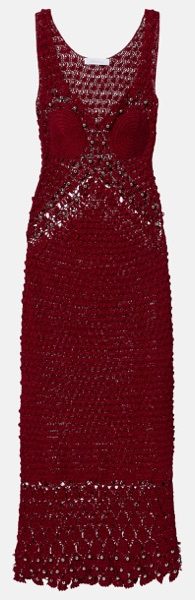
Start from the real garment and keep it recognisable while the campaign explores set, light and framing. One look, one visual language, frame after frame.
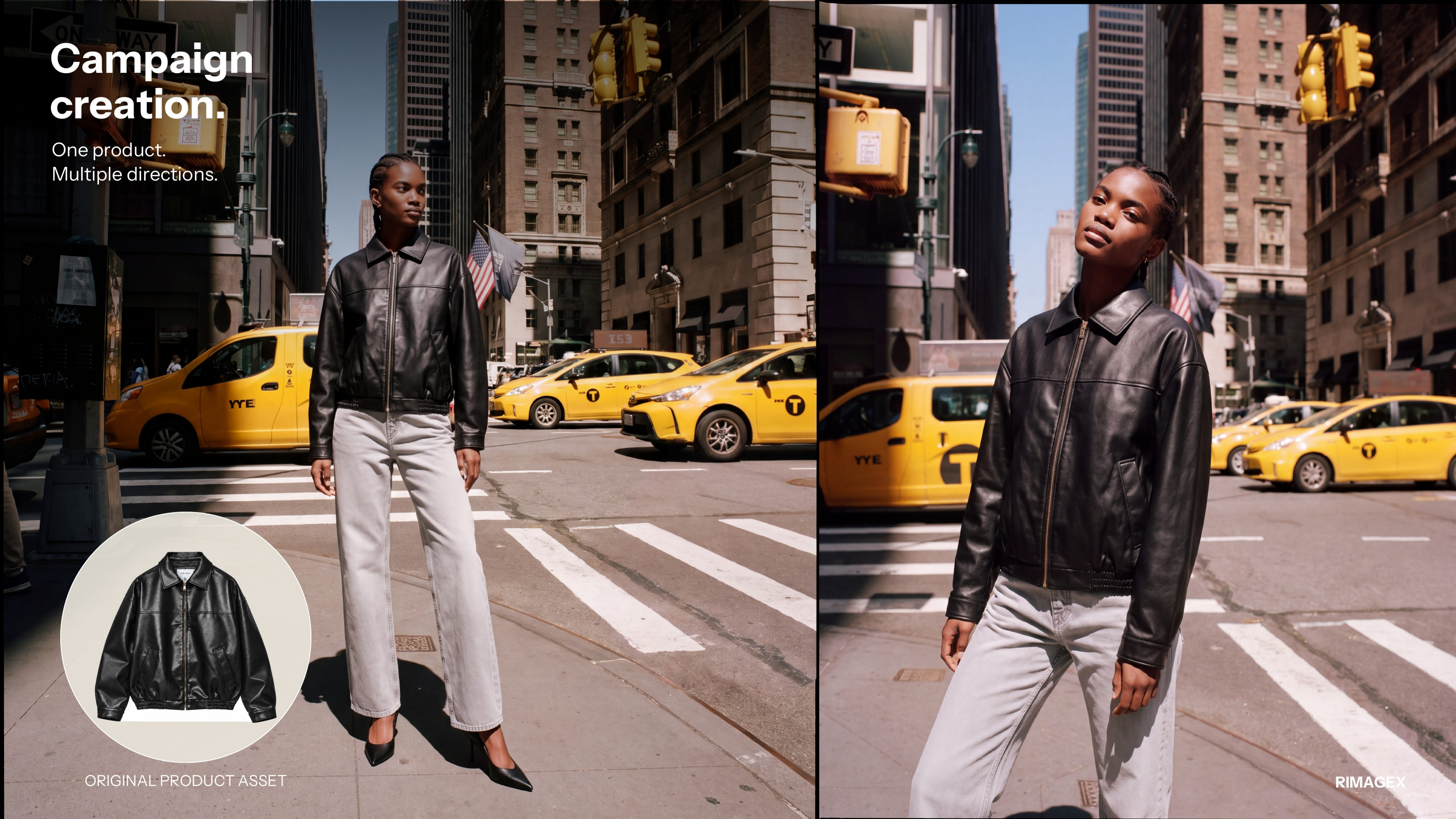
Keep the model, styling and place consistent across wide shots, portraits and details. Shape a complete story for web, social and launch assets.
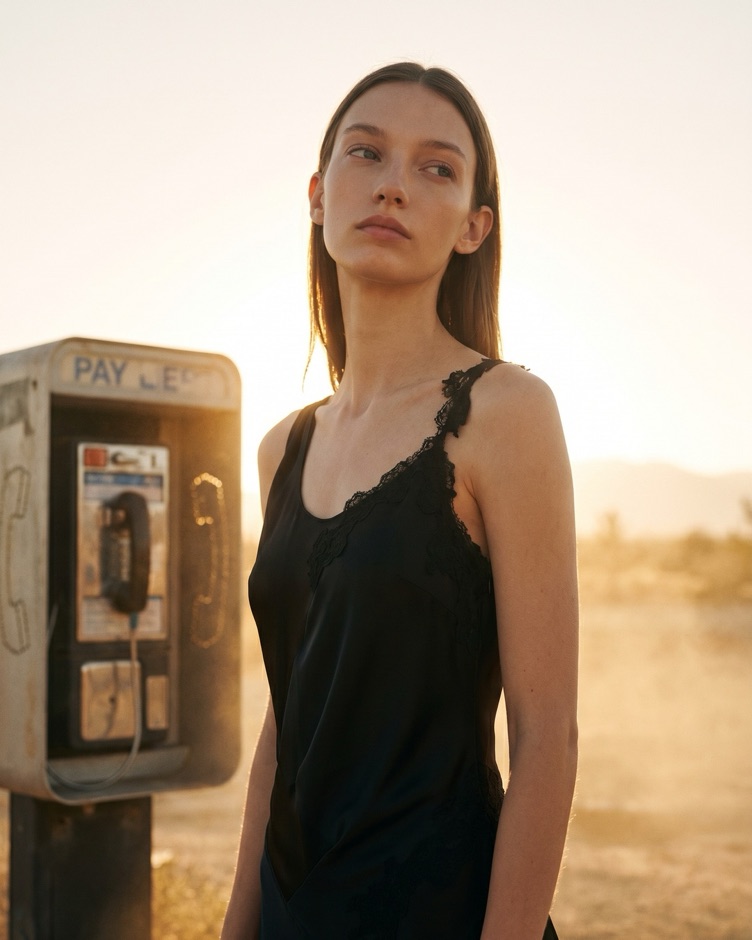
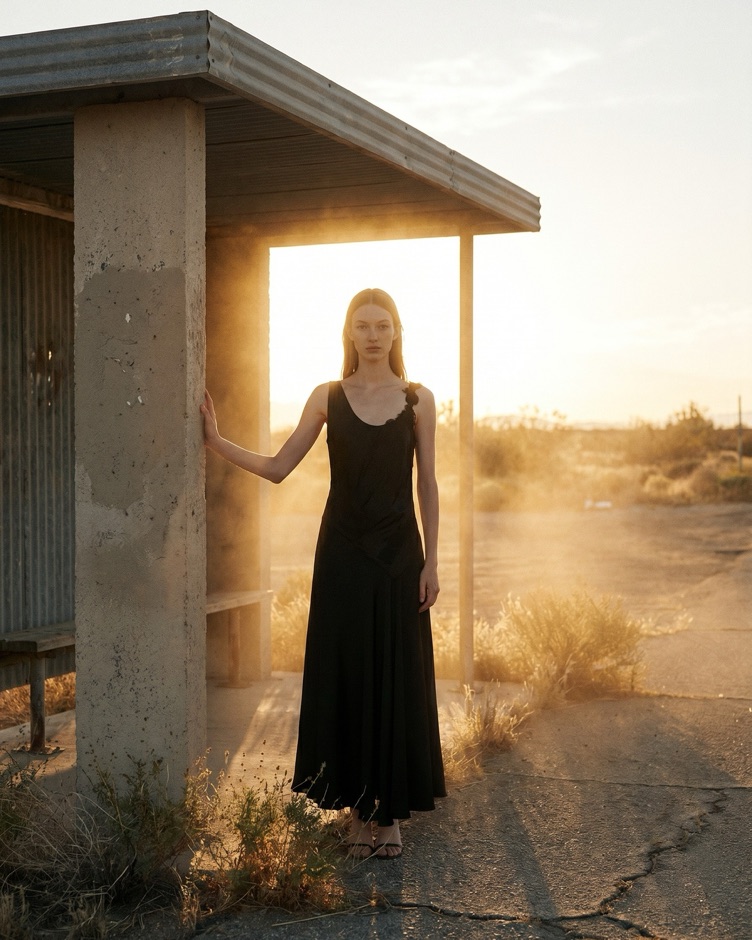
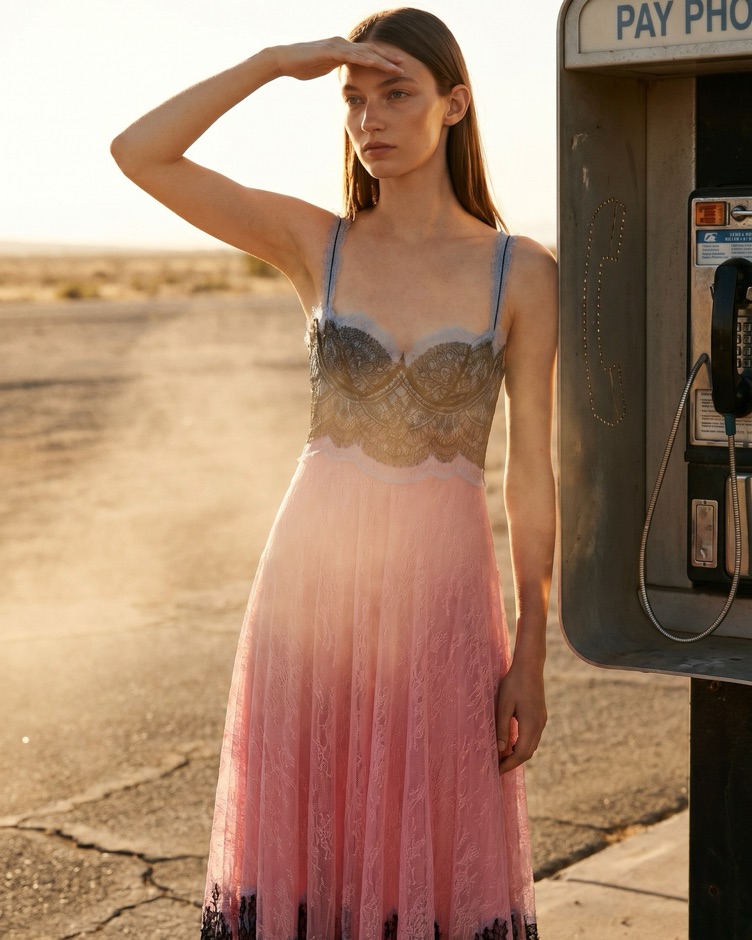
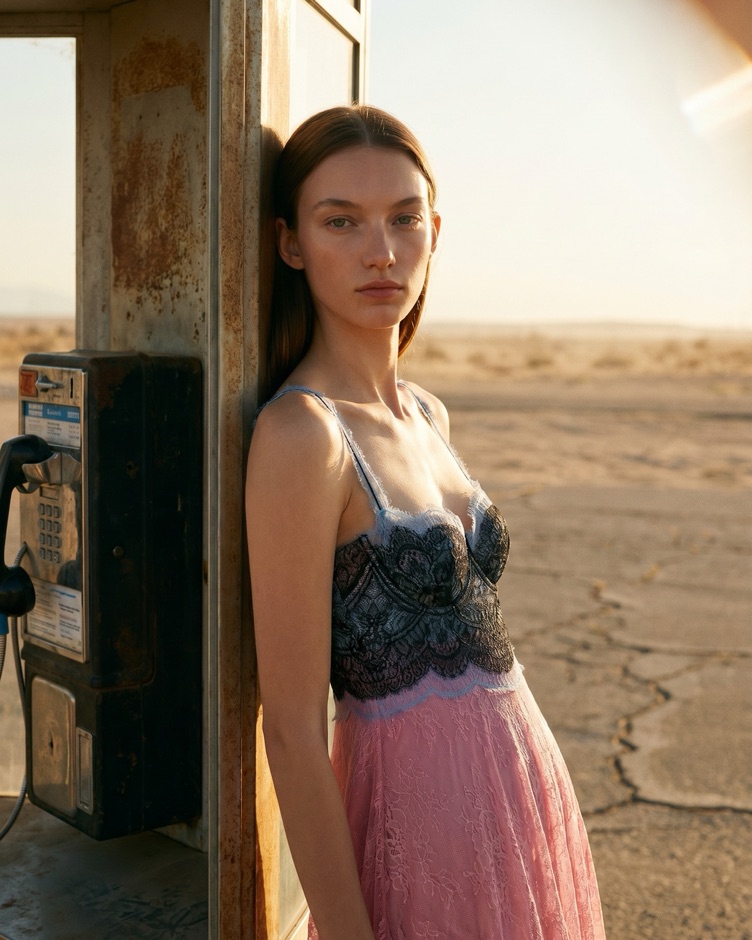
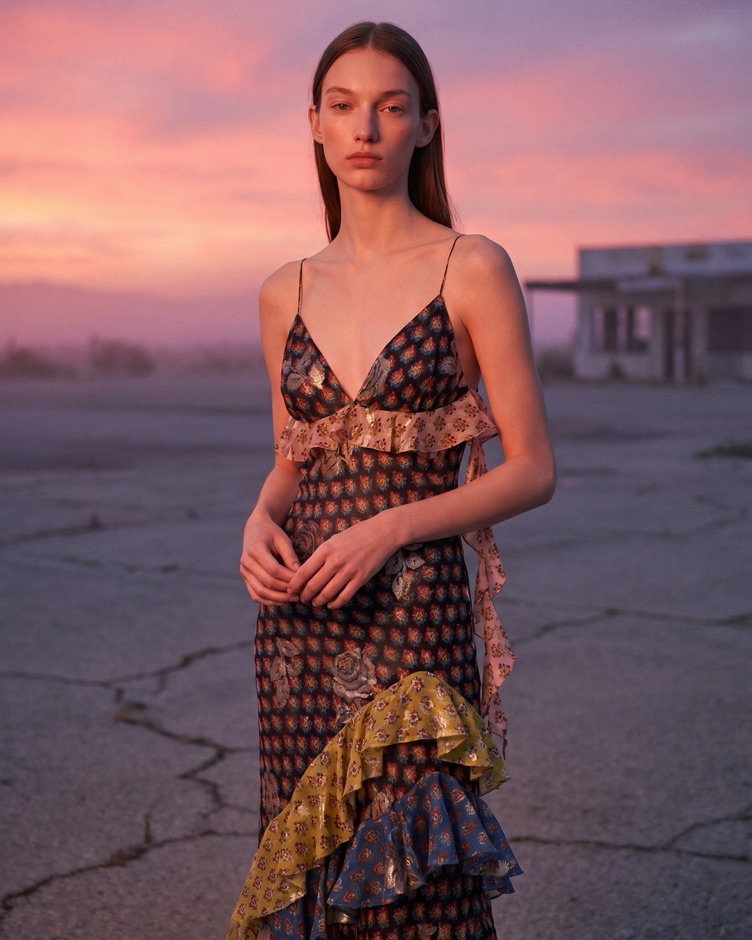
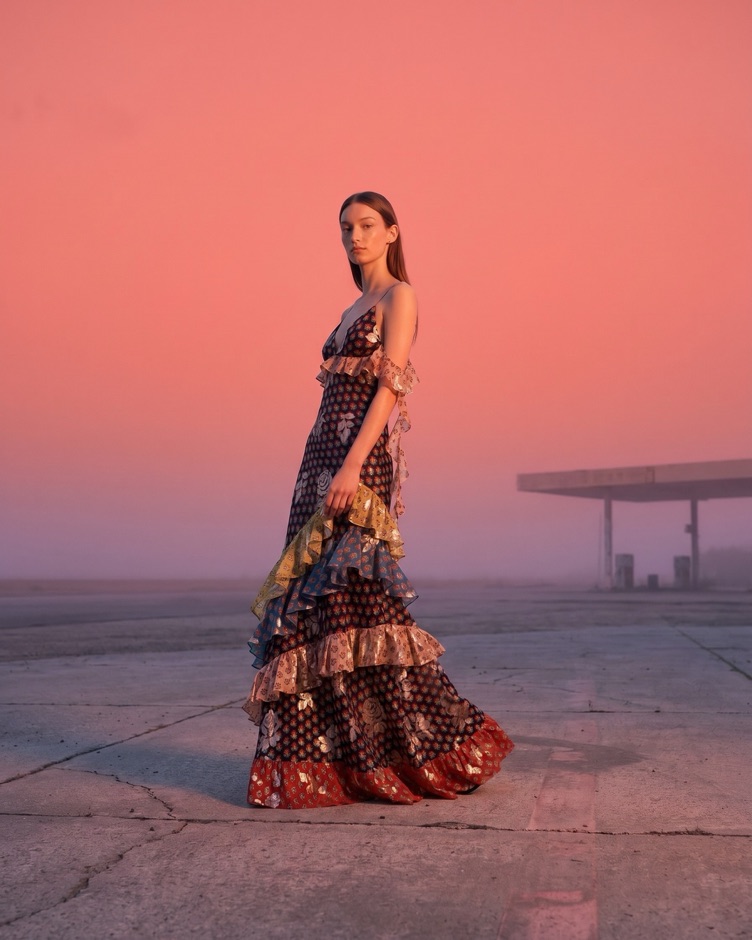
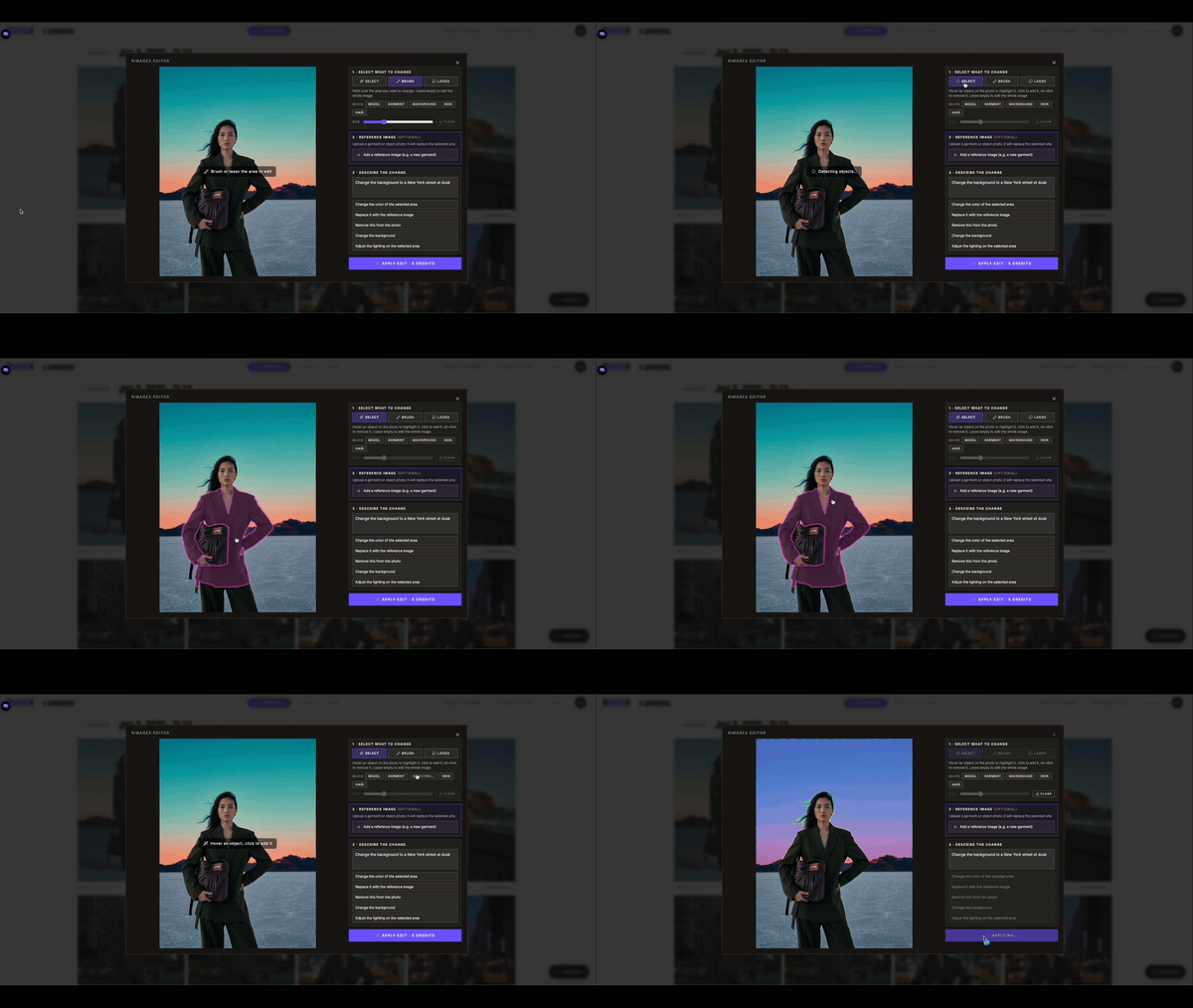
Work on a garment detail, background or light without rebuilding the whole frame. Use the Editor after the campaign direction is set.
Start from a clear product or look image that gives the campaign a reliable fashion reference.
Yes. Compare settings, light and framings before choosing the direction to develop.
Yes. Keep model, styling and place consistent across a sequence of frames.