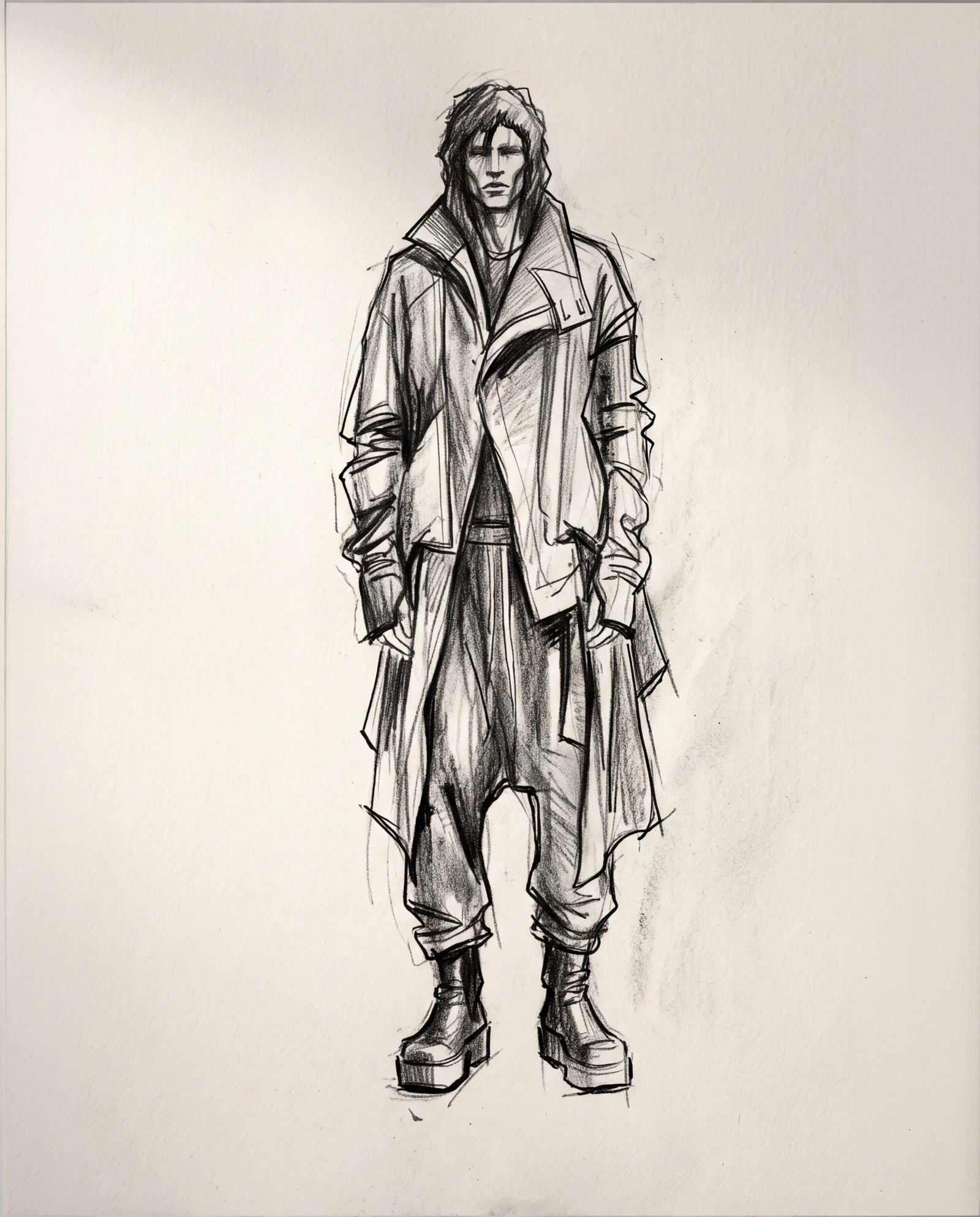
Define the silhouette
Start from the original sketch and establish the construction.
Upload a sketch. Review the garment details and fabric. Then create an on-model collection view and a campaign image before production.
Start free. No credit card required.

From sketch to on-model imagery, lookbook and final campaign


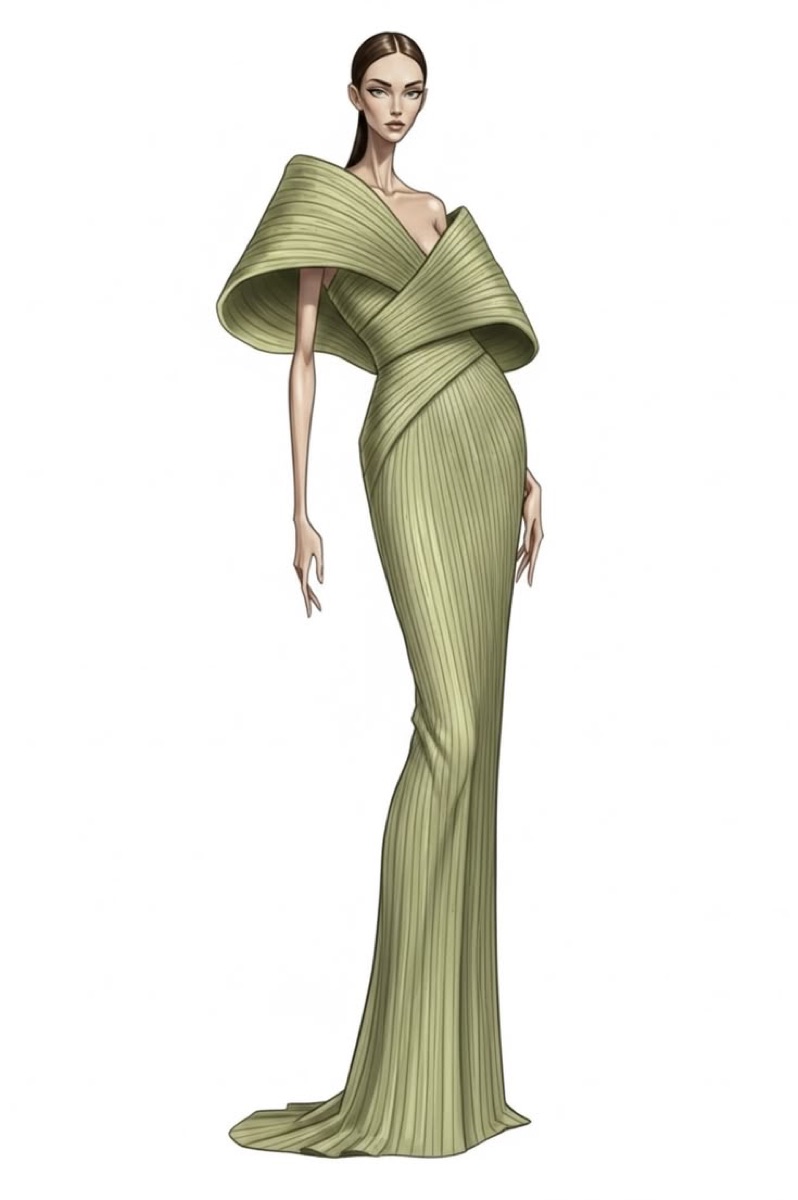
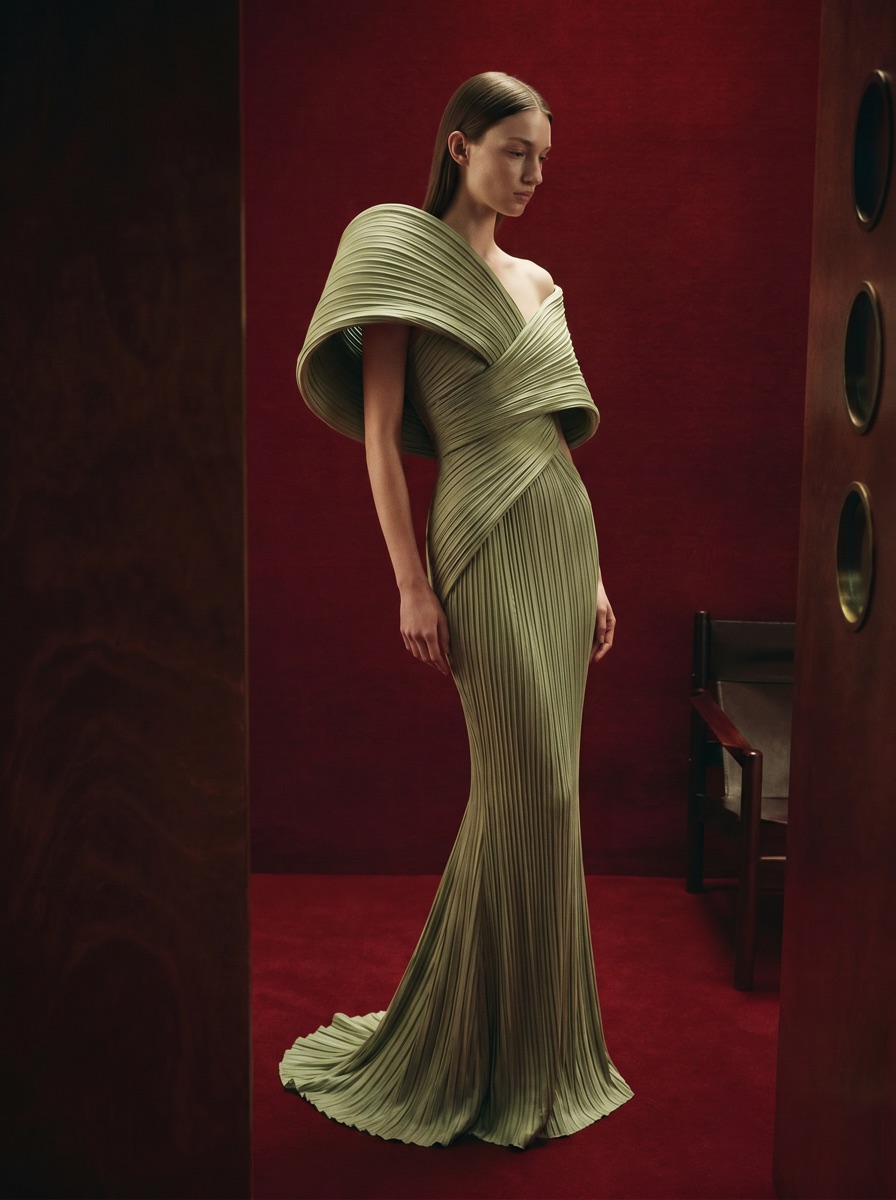
Start from the original sketch and establish the construction.
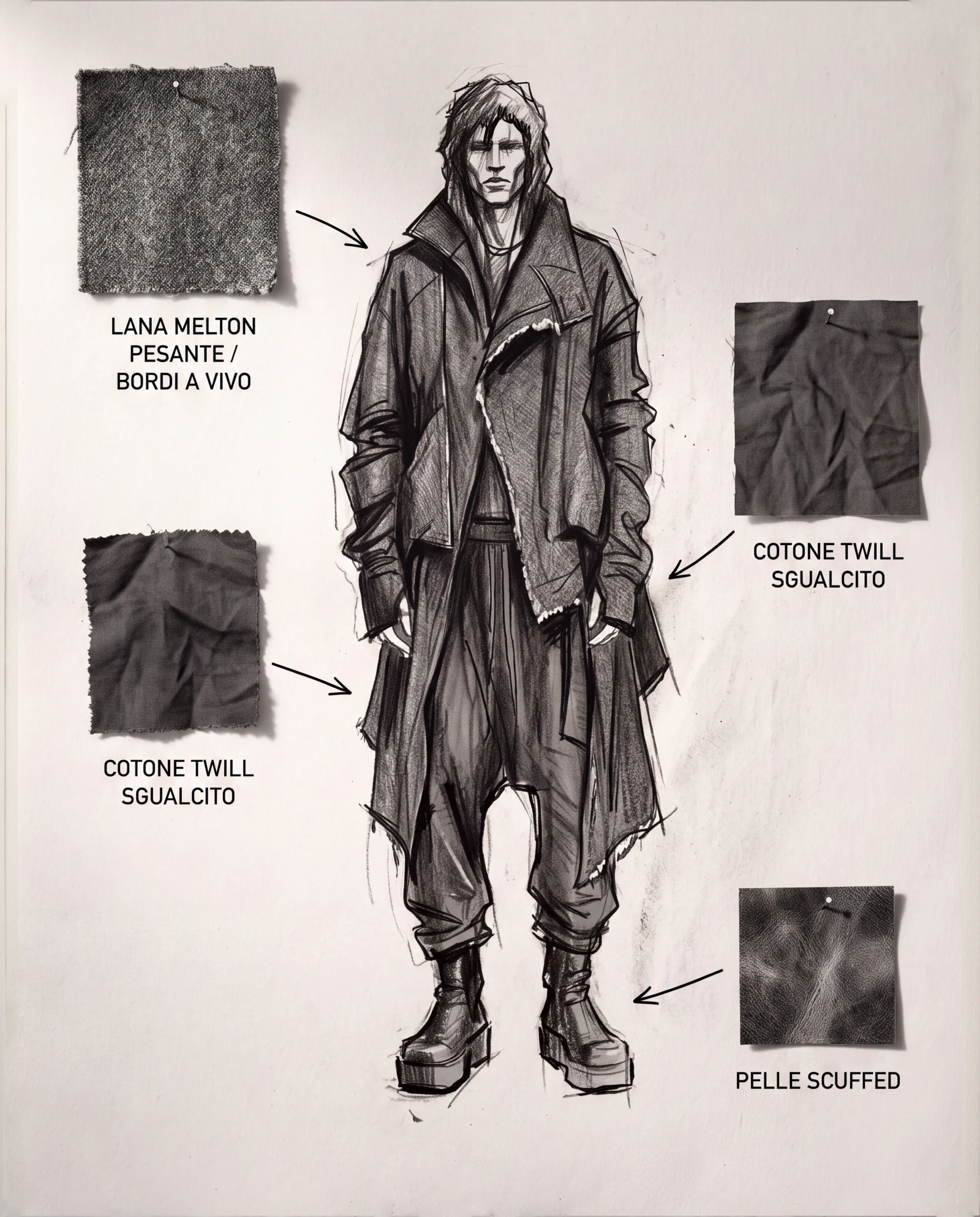
Add material references and confirm the finish.
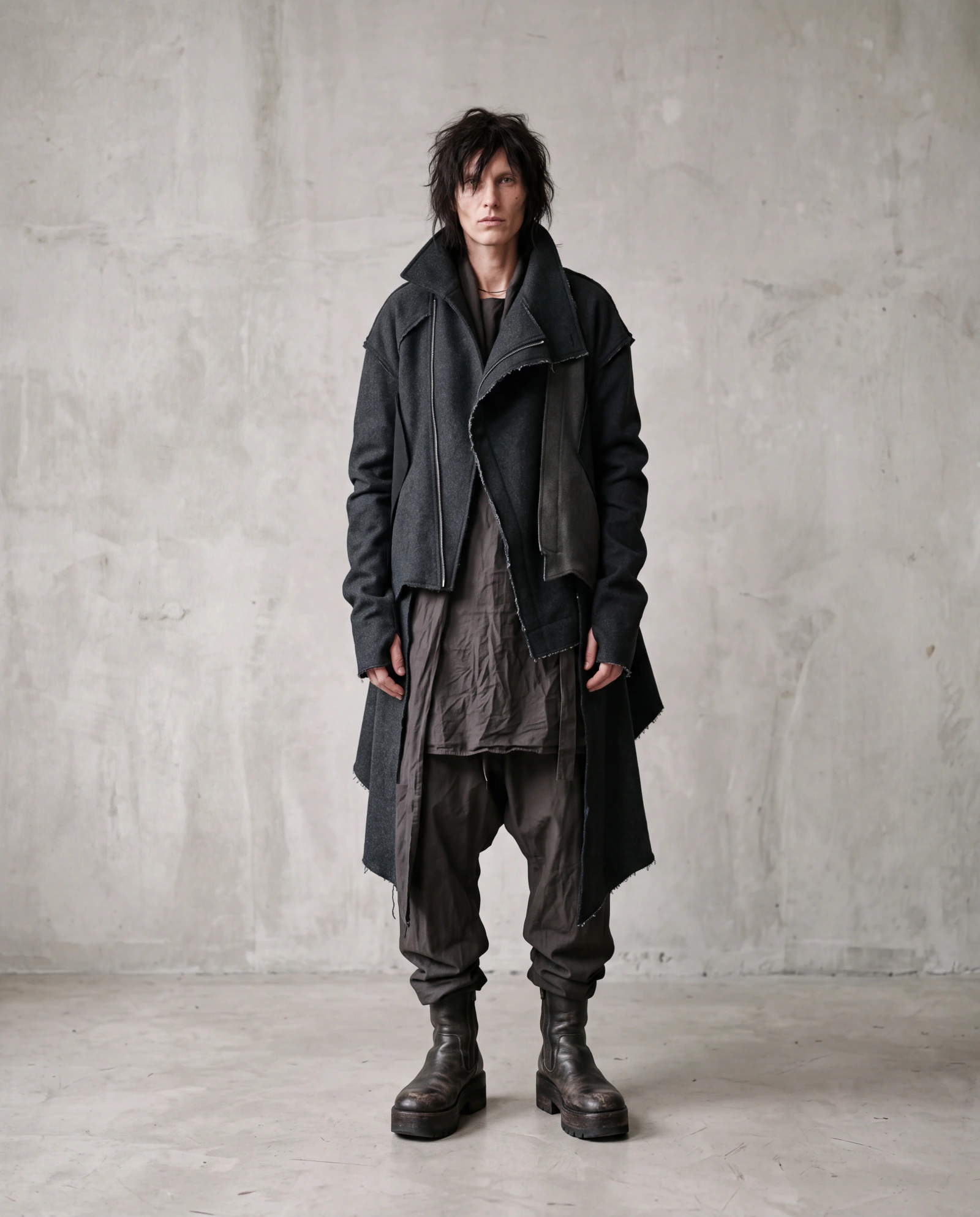
See the finished look before production.
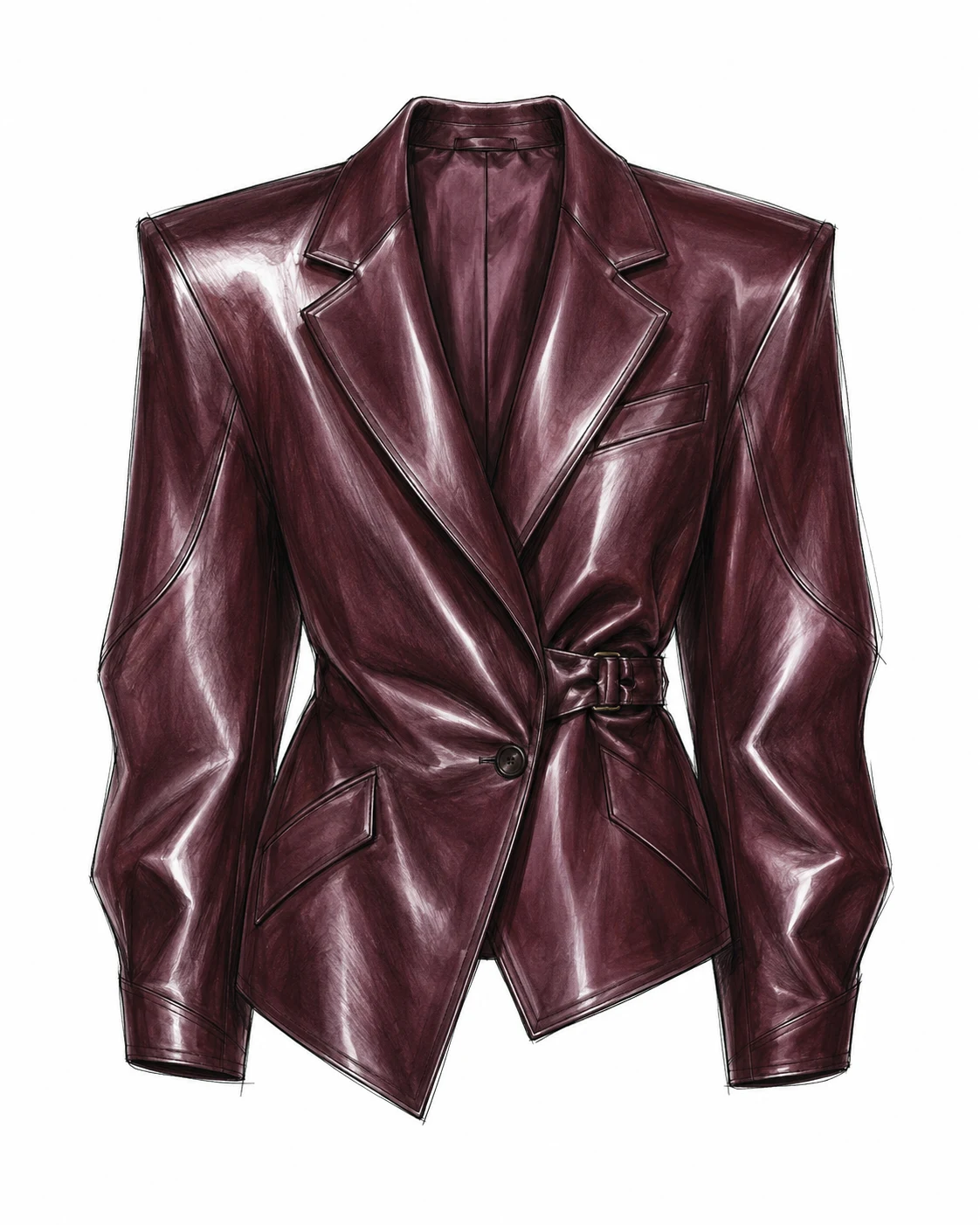
Define silhouette, construction and finish before creating the product image.
Start from a sketch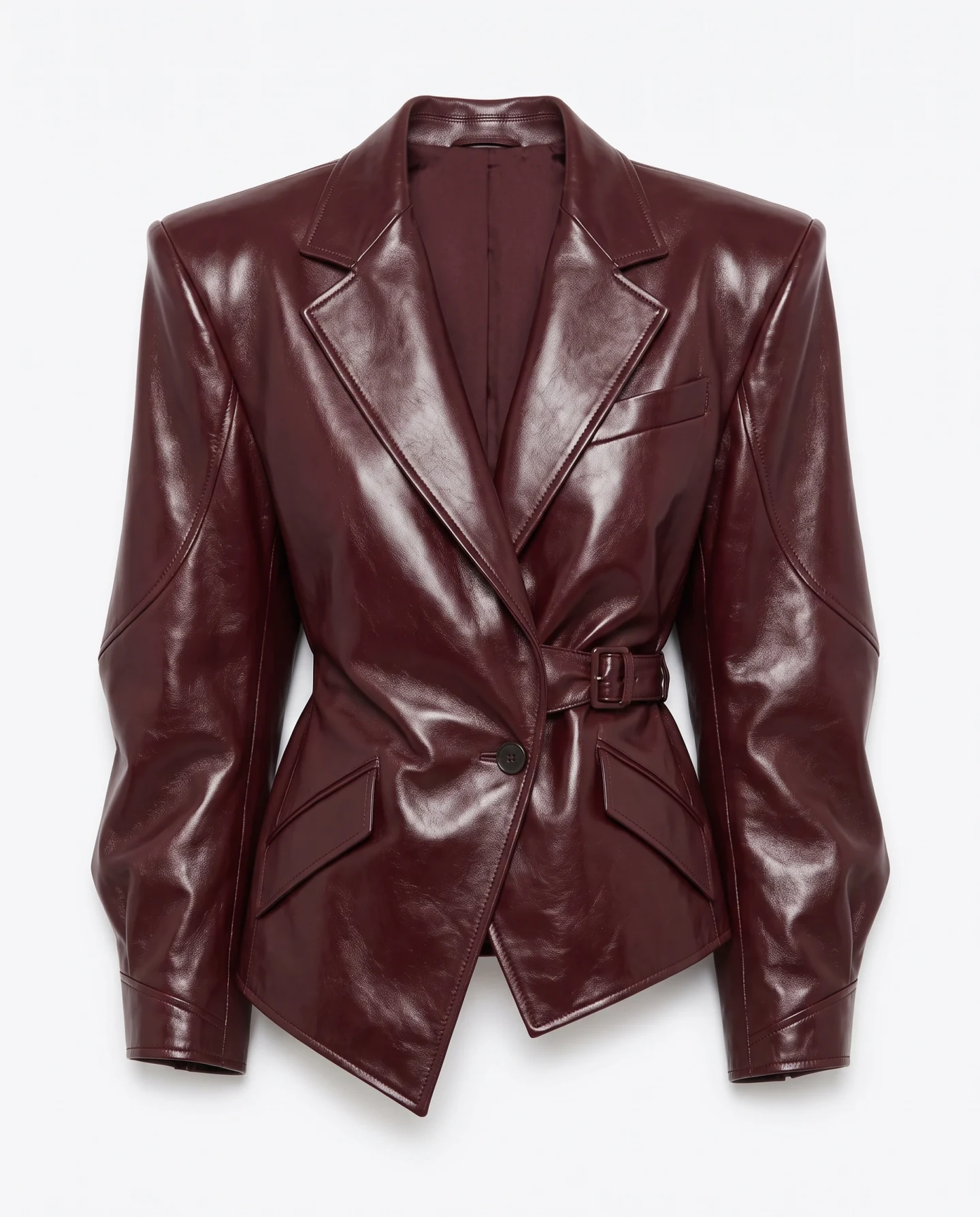
Turn the approved sketch into a clean view ready for review and presentation.
Create product imageSketch Studio turns the drawing into an editable garment description. Correct construction details and add fabric references before creating the images.
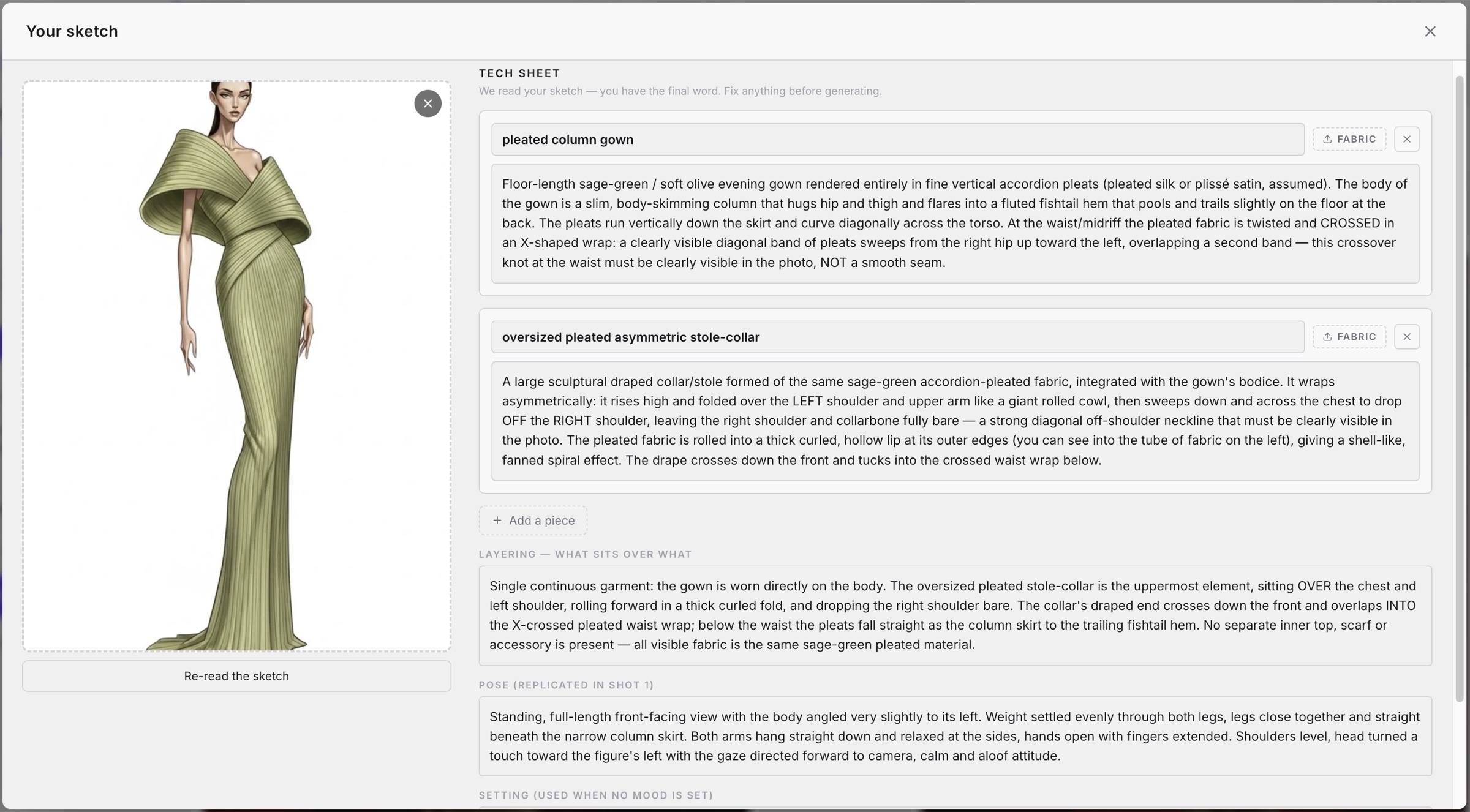
Upload a clear fashion sketch. You can then review the interpreted garment details and add fabric reference images.
Yes. The garment description is editable before generation. Review every important construction detail first.
You can create clean collection views and campaign images from the same sketch.