From sample to online, faster.
Reduce the time between product arrival and PDP publication.
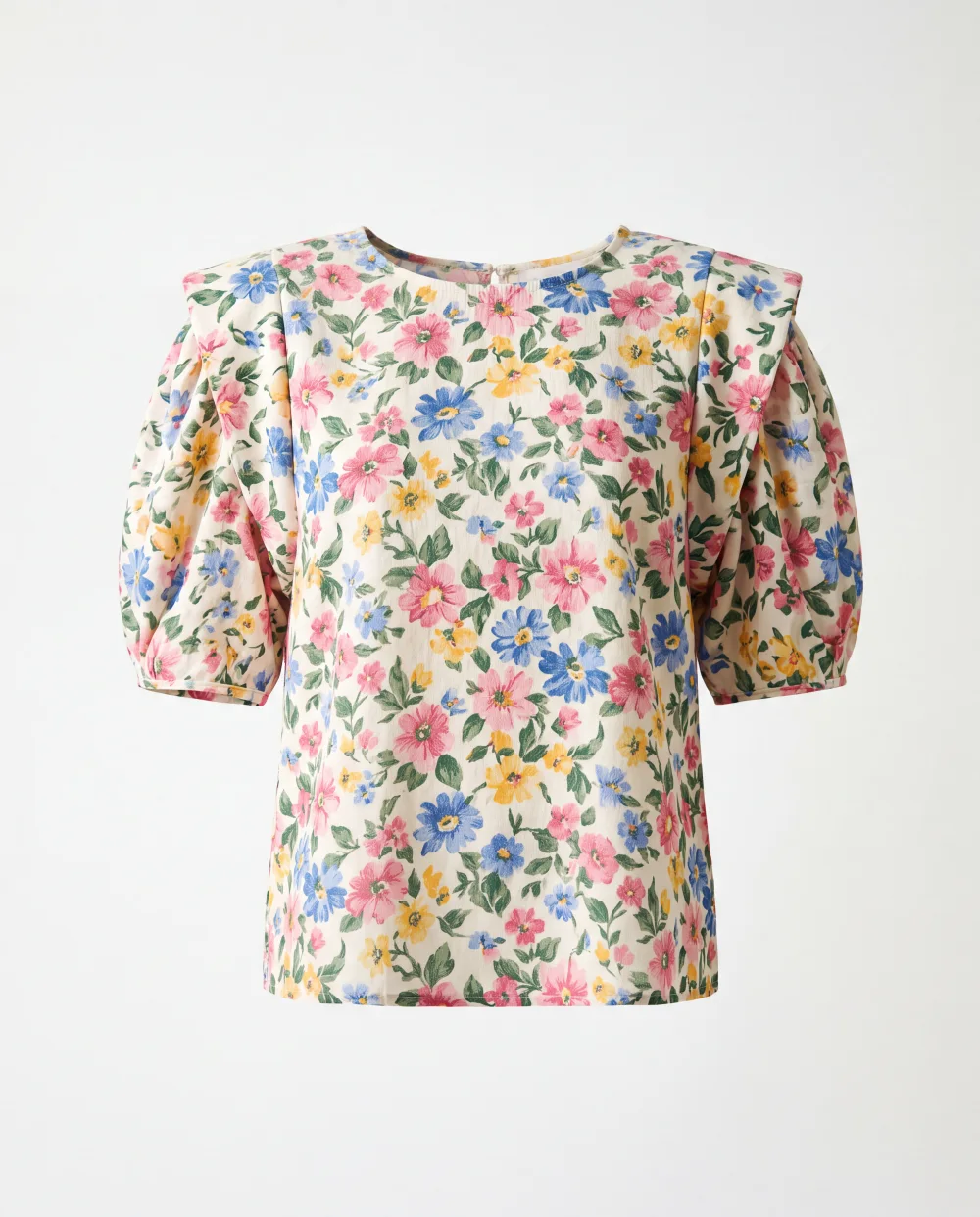
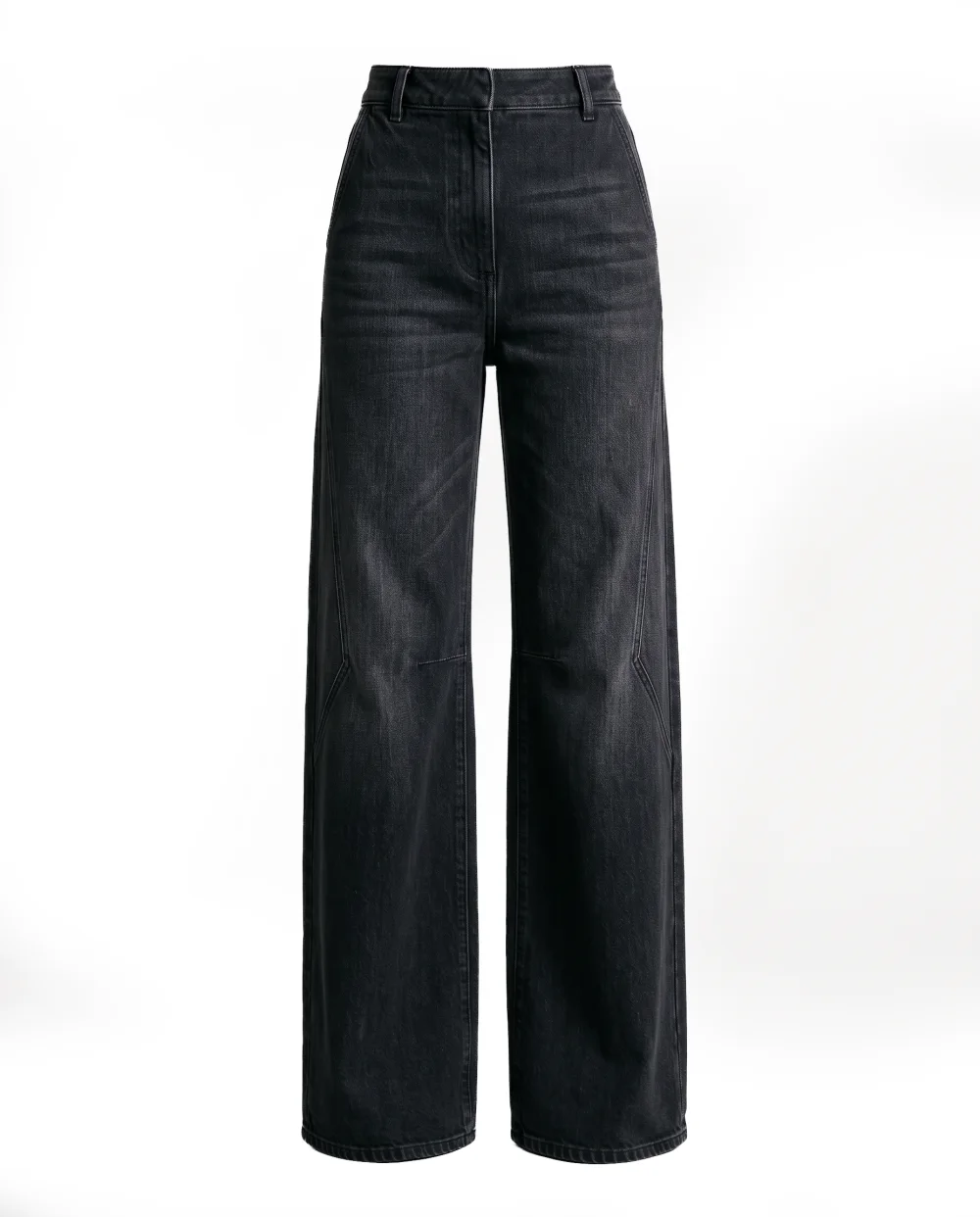
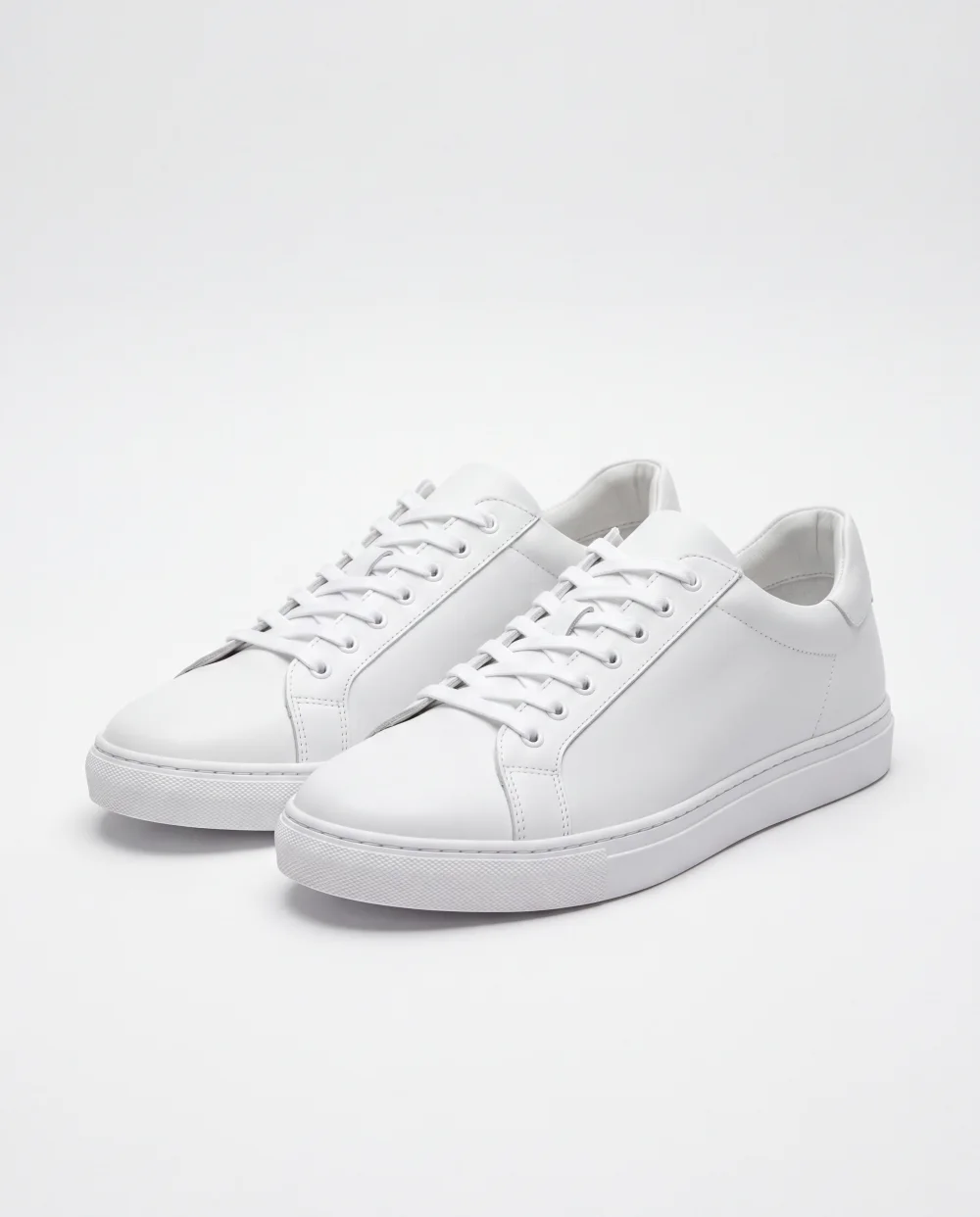
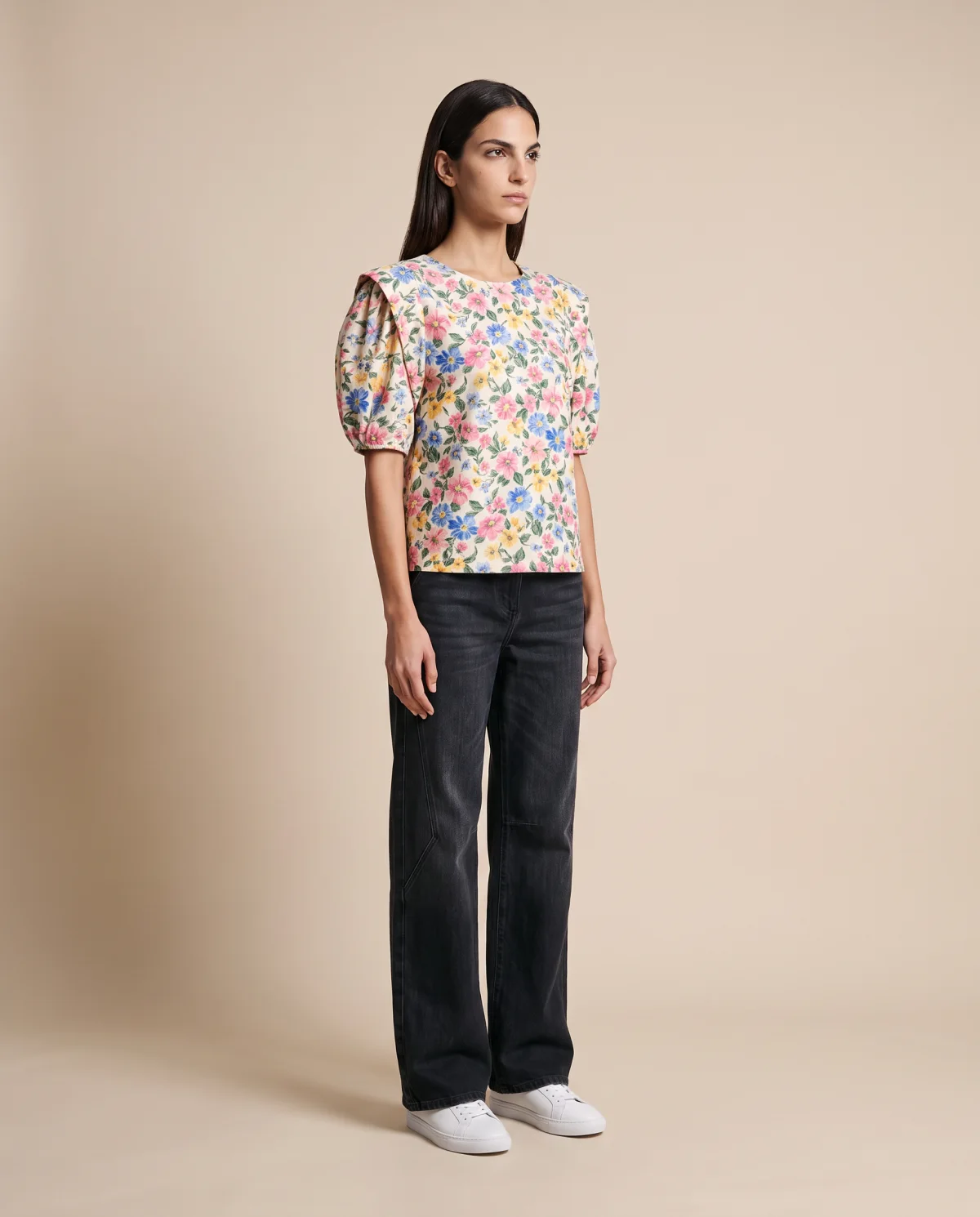
Start with a clear garment photo. Create on-model product images, choose the cast and cover the views your product page needs.
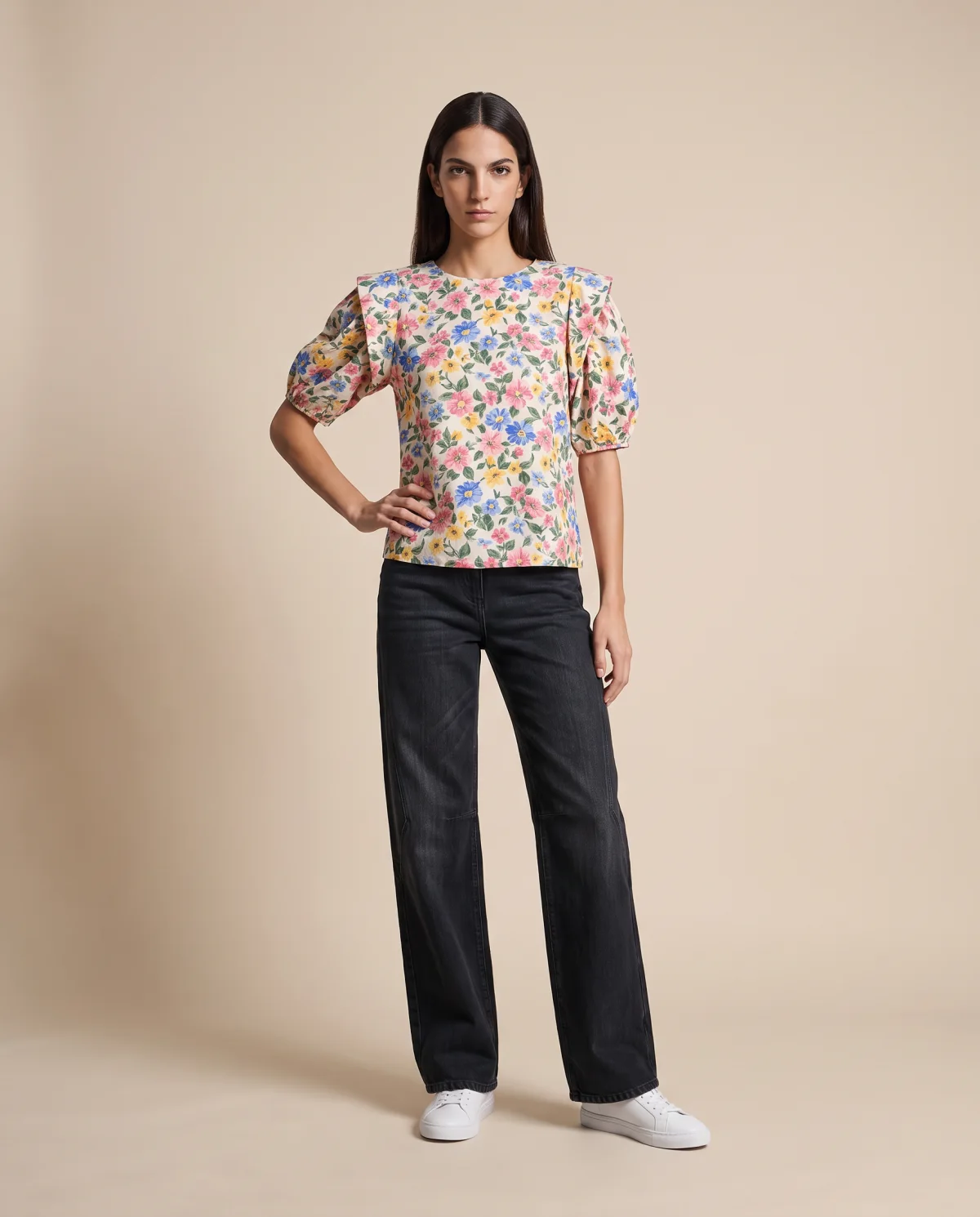
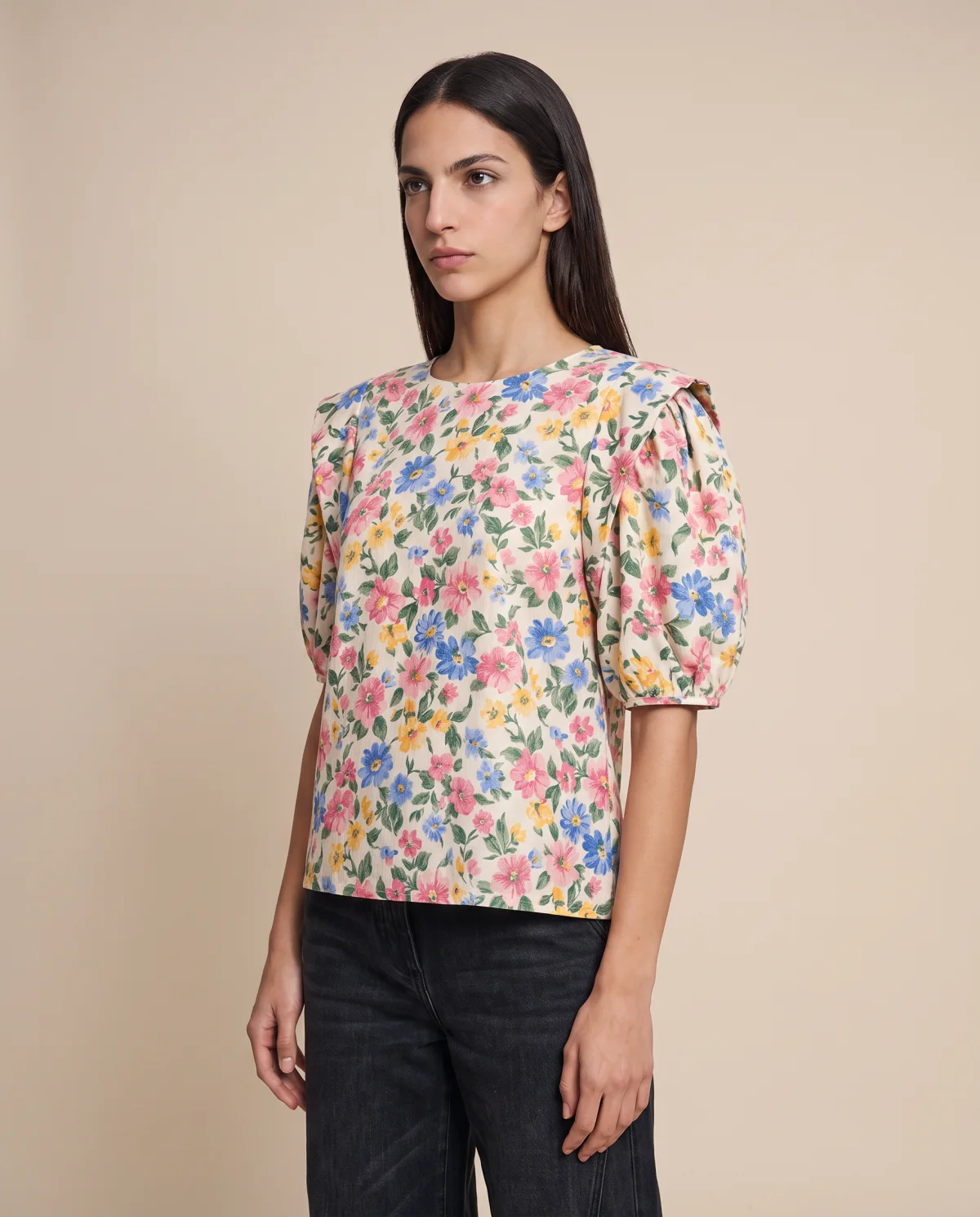
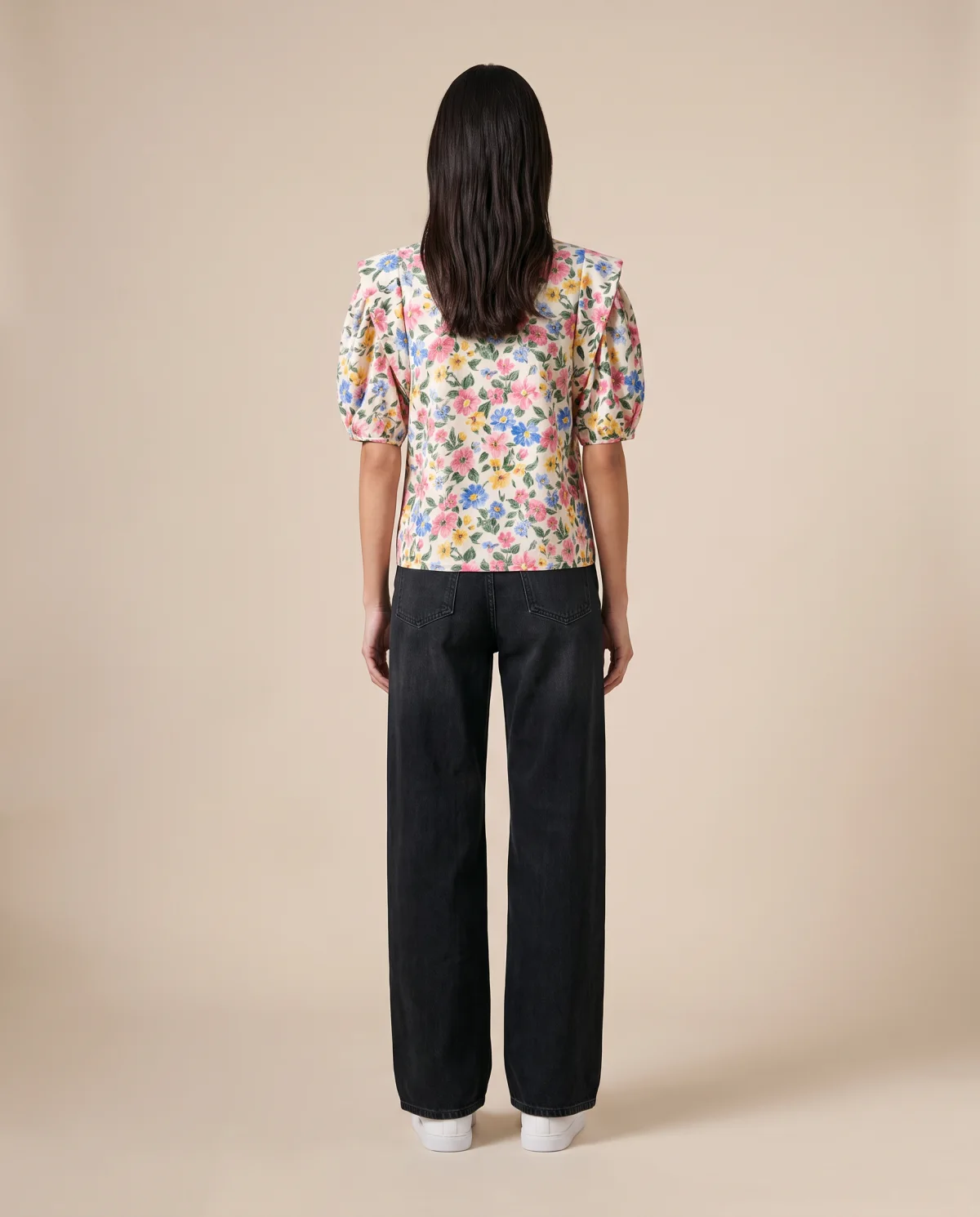
Reduce the time between product arrival and PDP publication.
Create new imagery when needed without reopening the entire process.
Compare casting, styling and presentation before committing to final production.
Select the person, age and look that fit the line. Use the same cast across product pages and lookbooks.
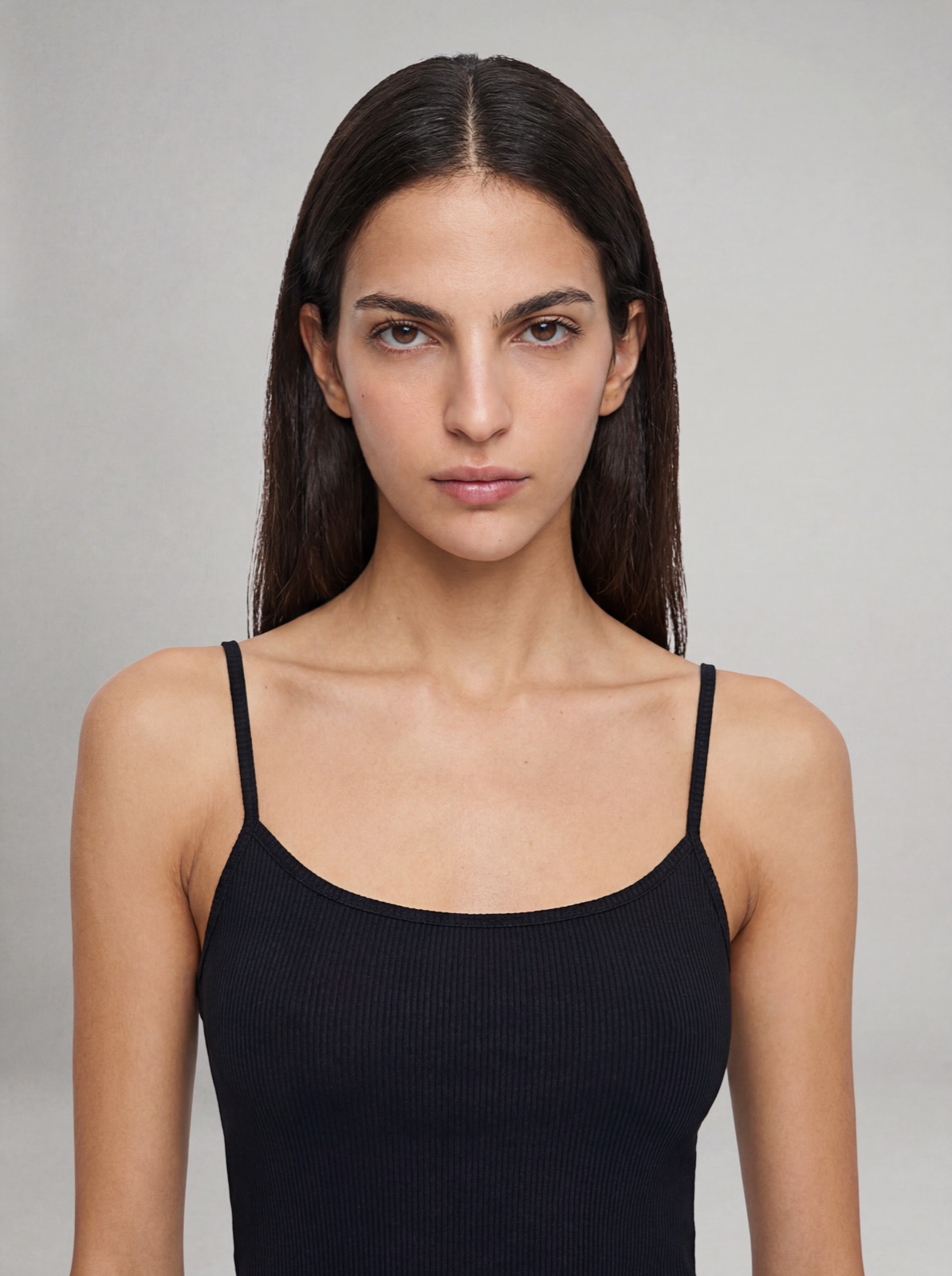
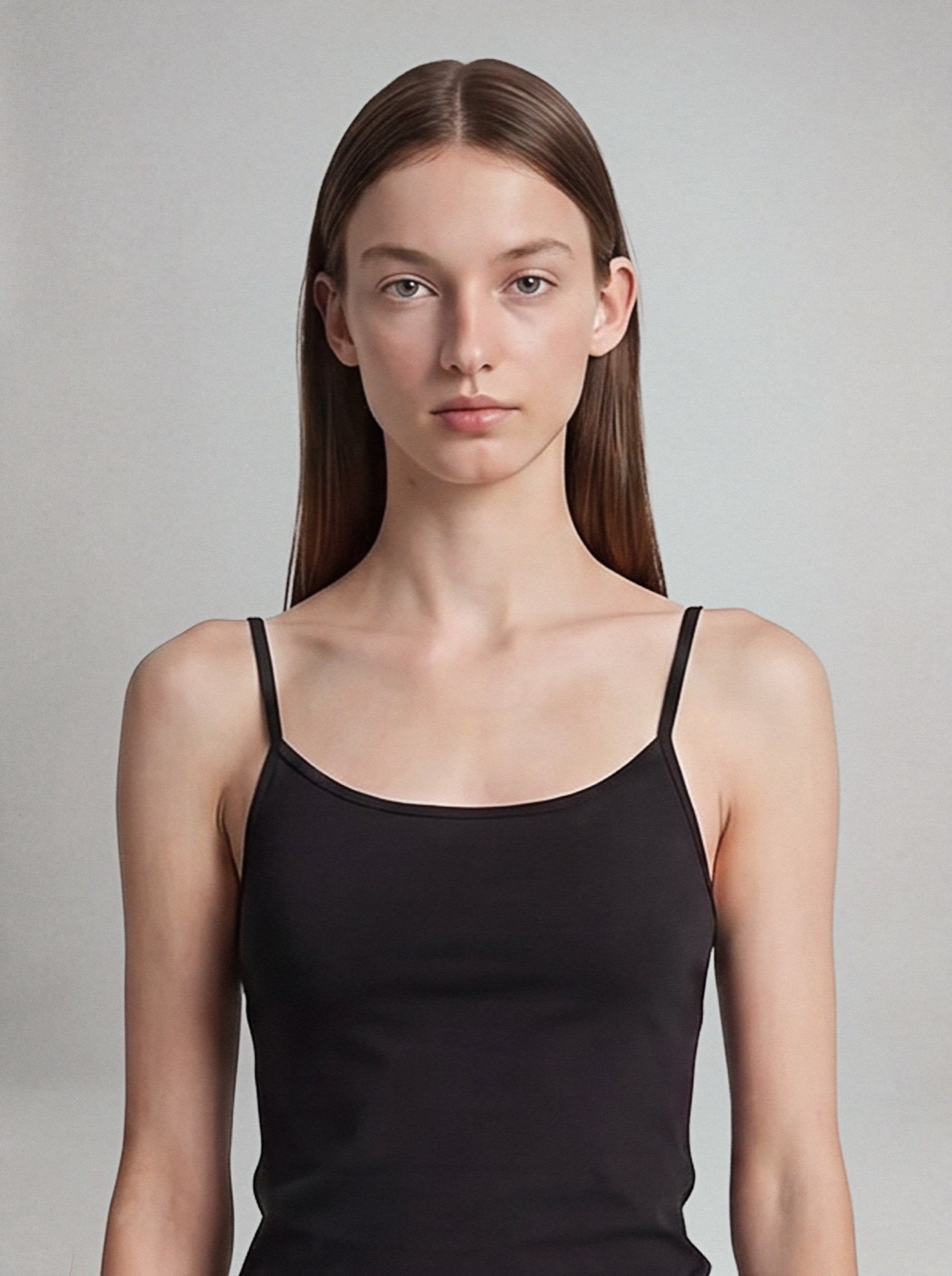
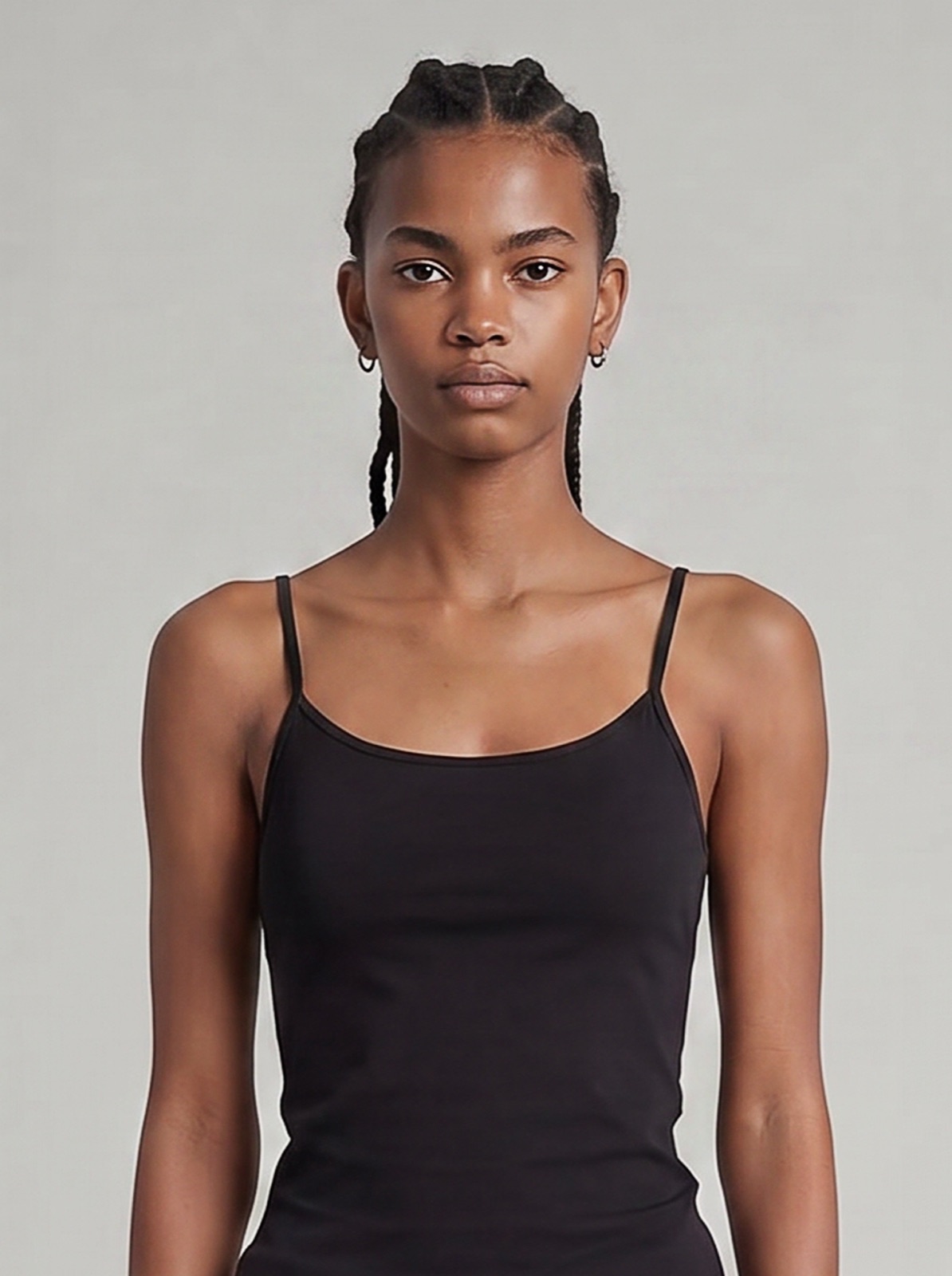
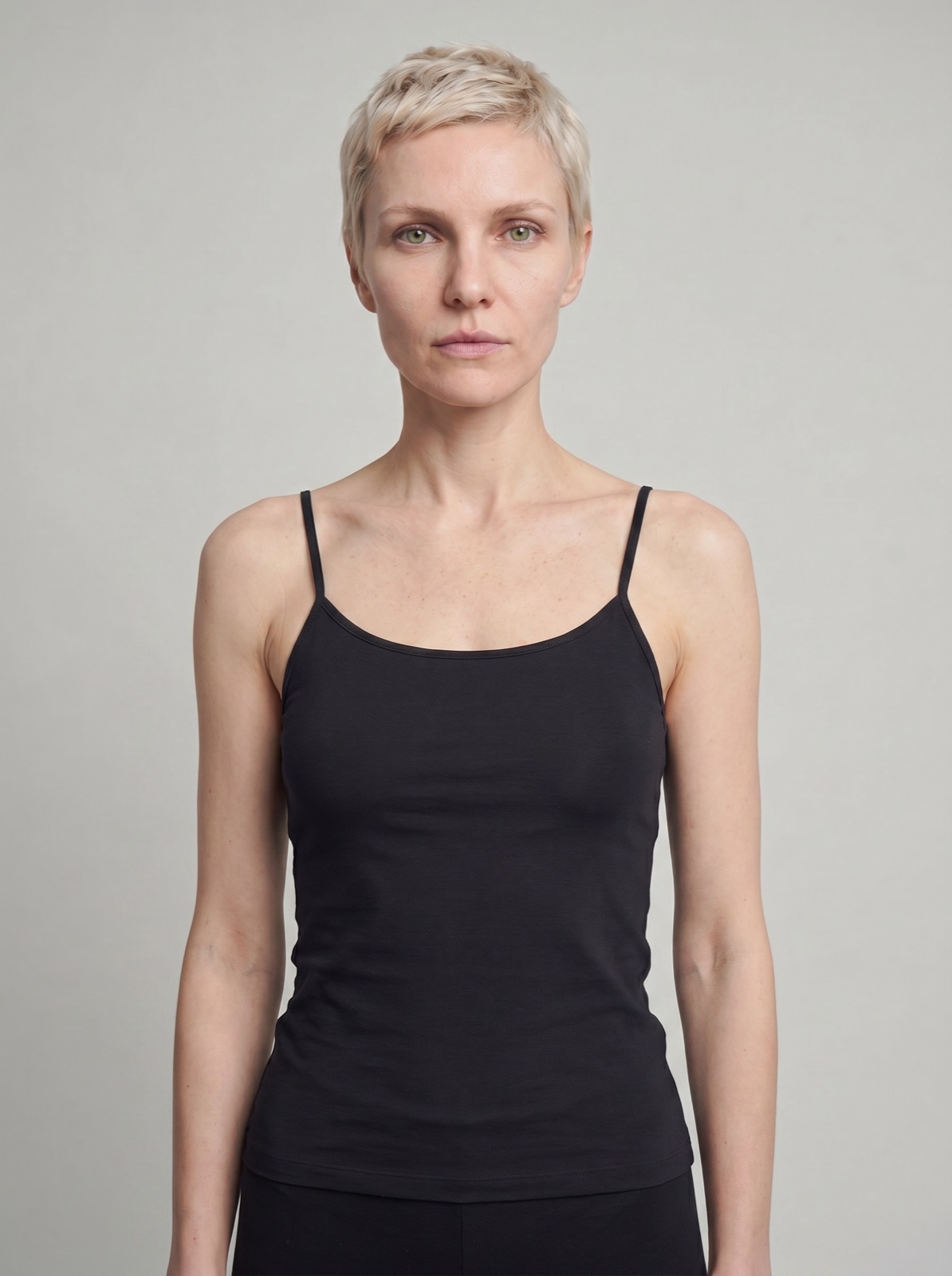
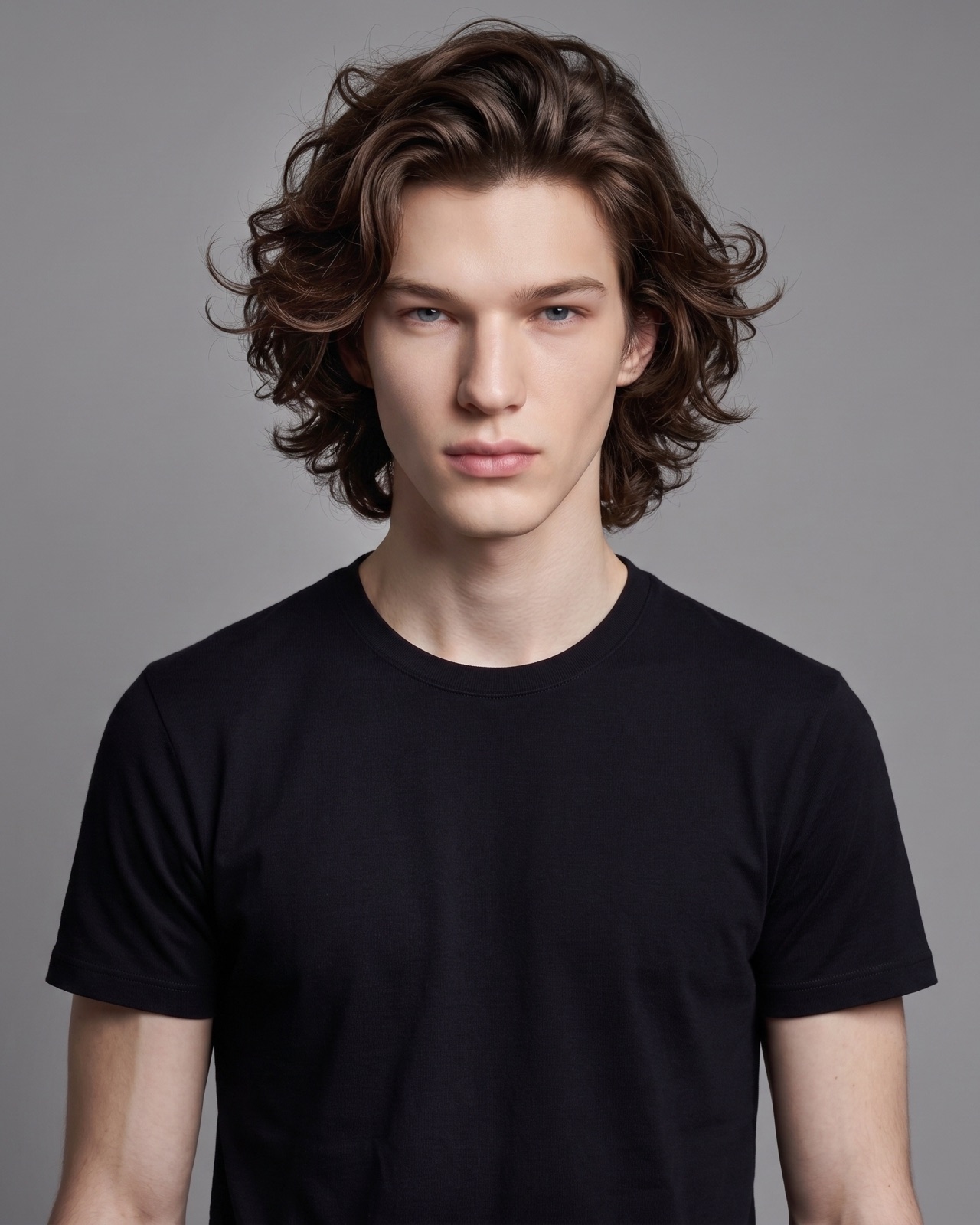
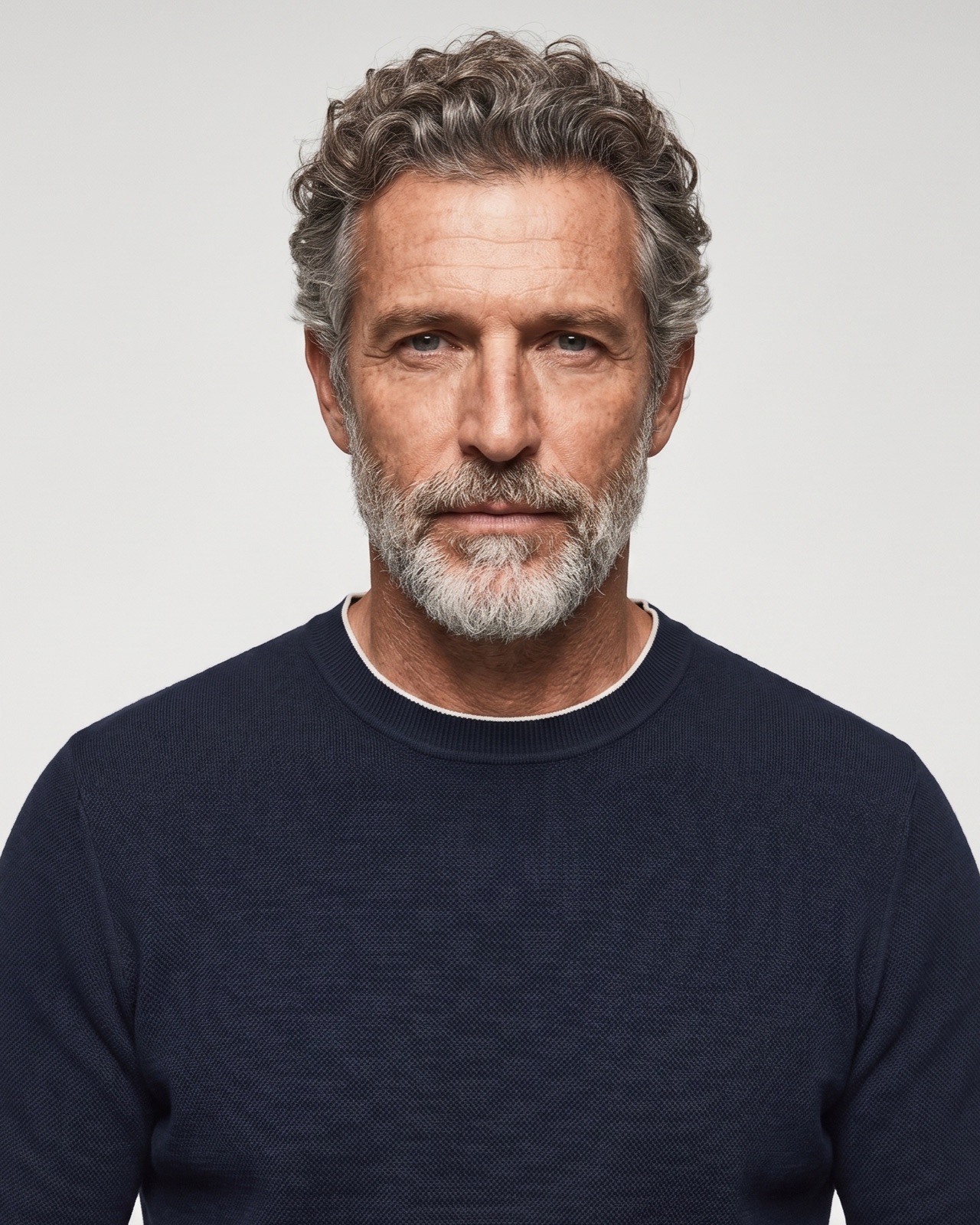
Create front, three-quarter, profile, back and portrait views for a consistent catalog sequence.
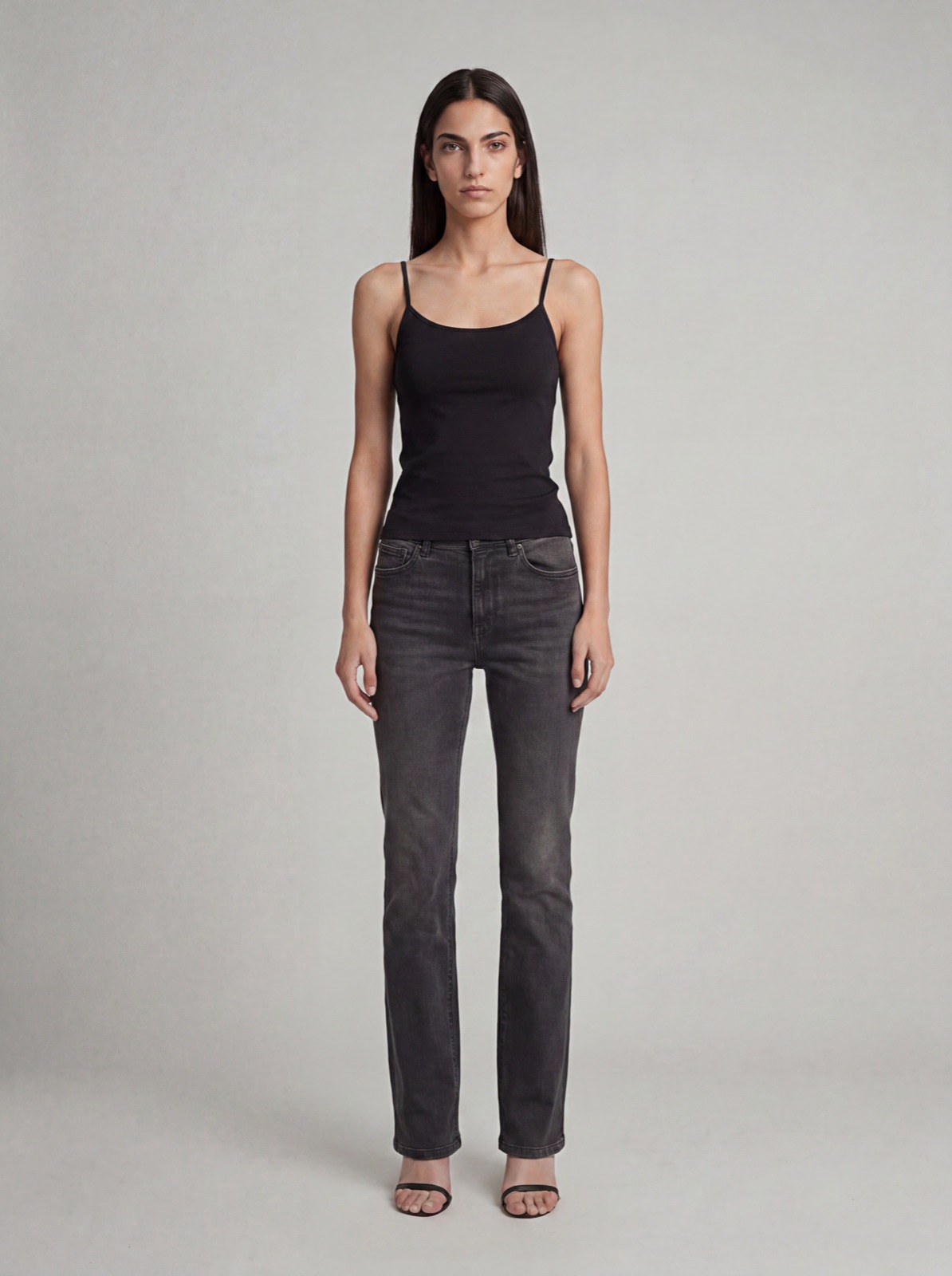
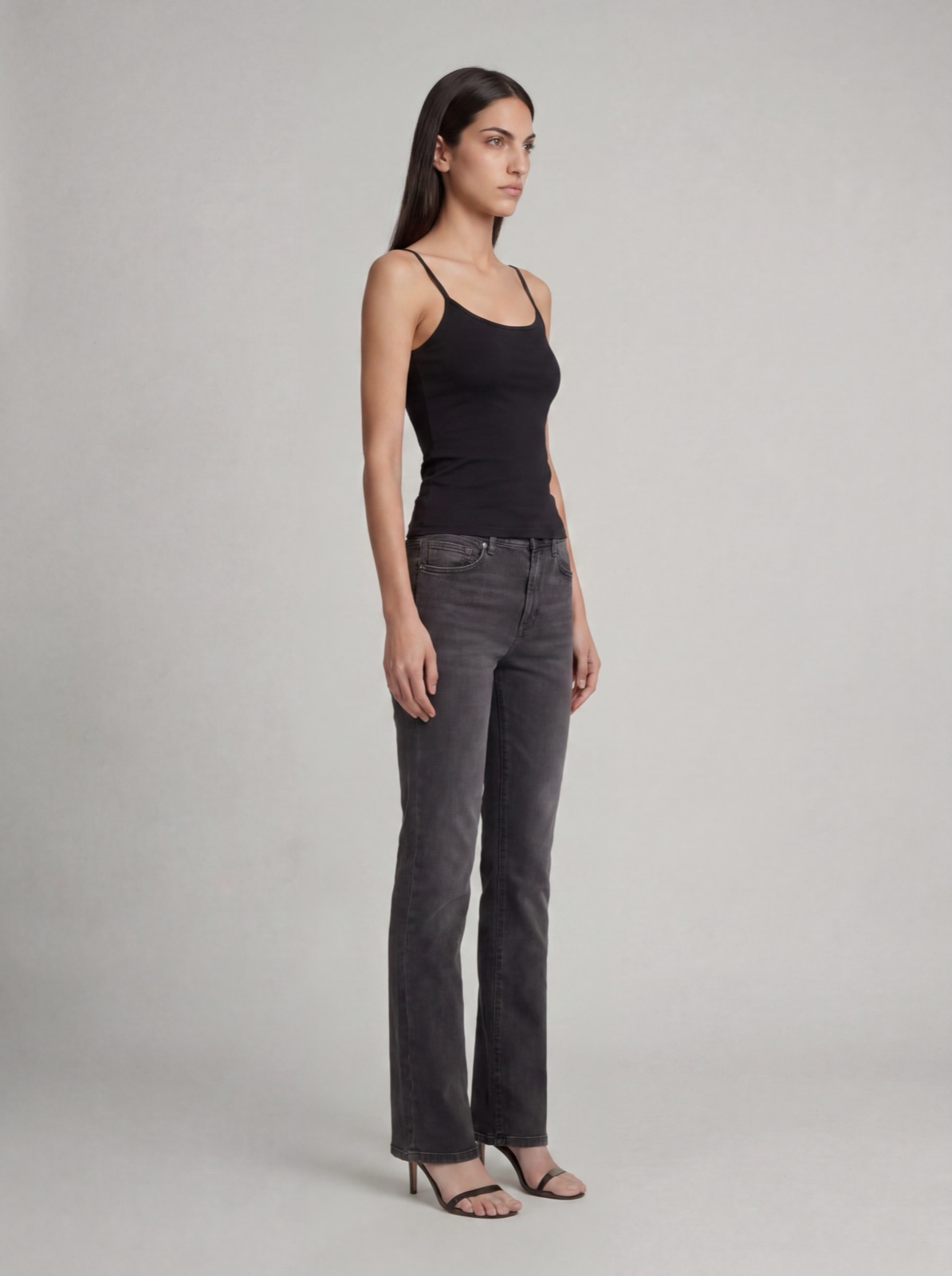
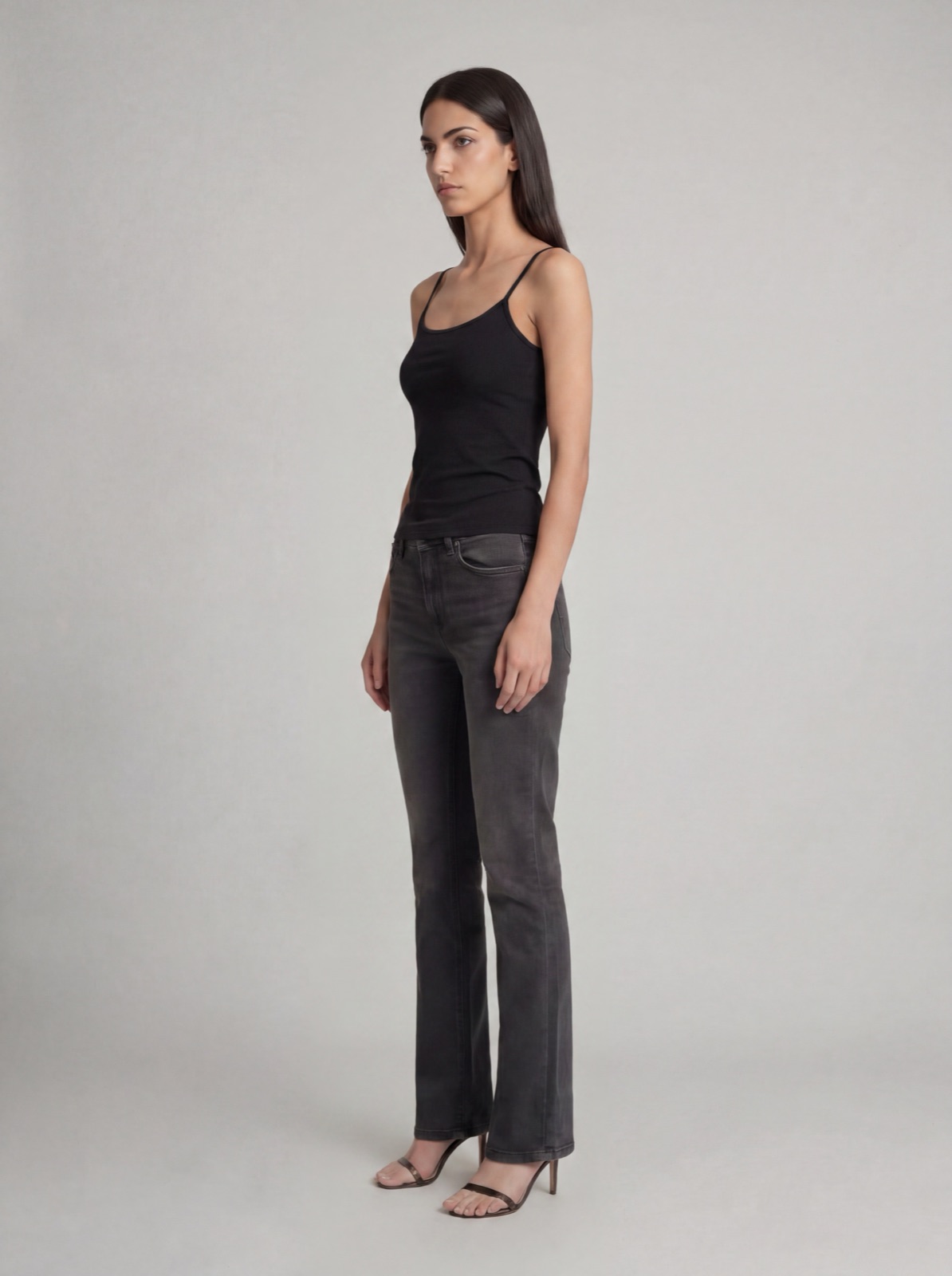
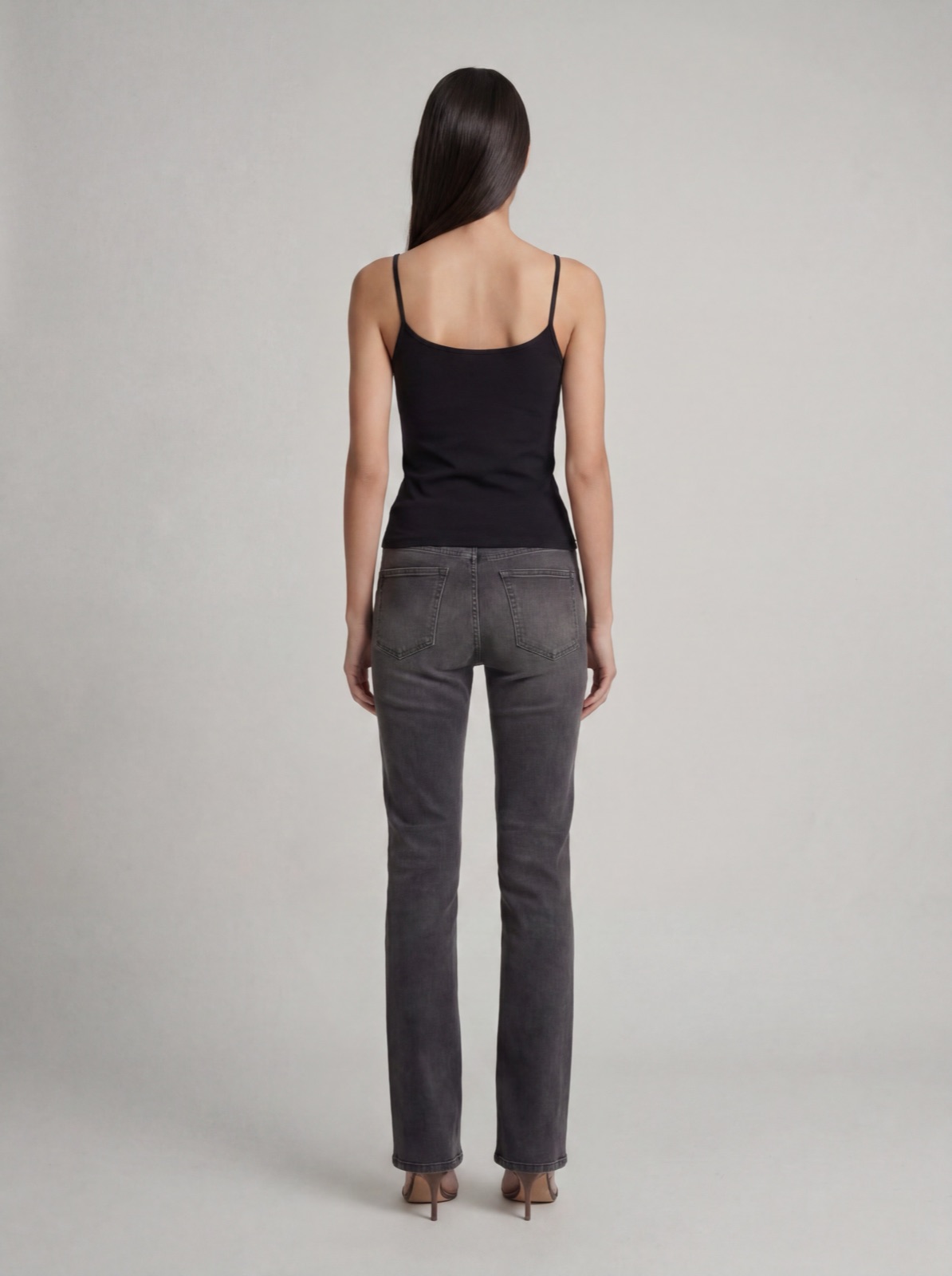
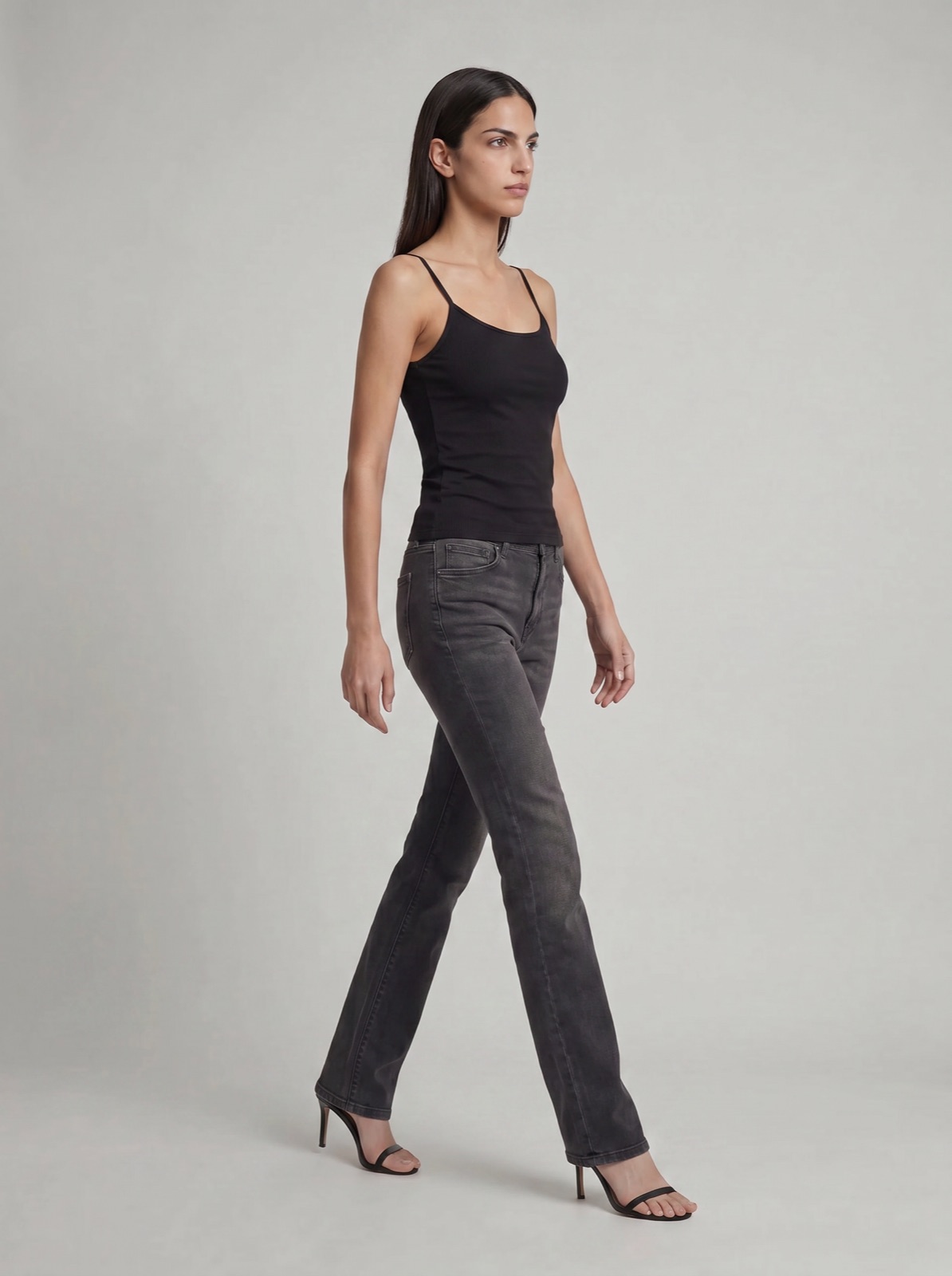
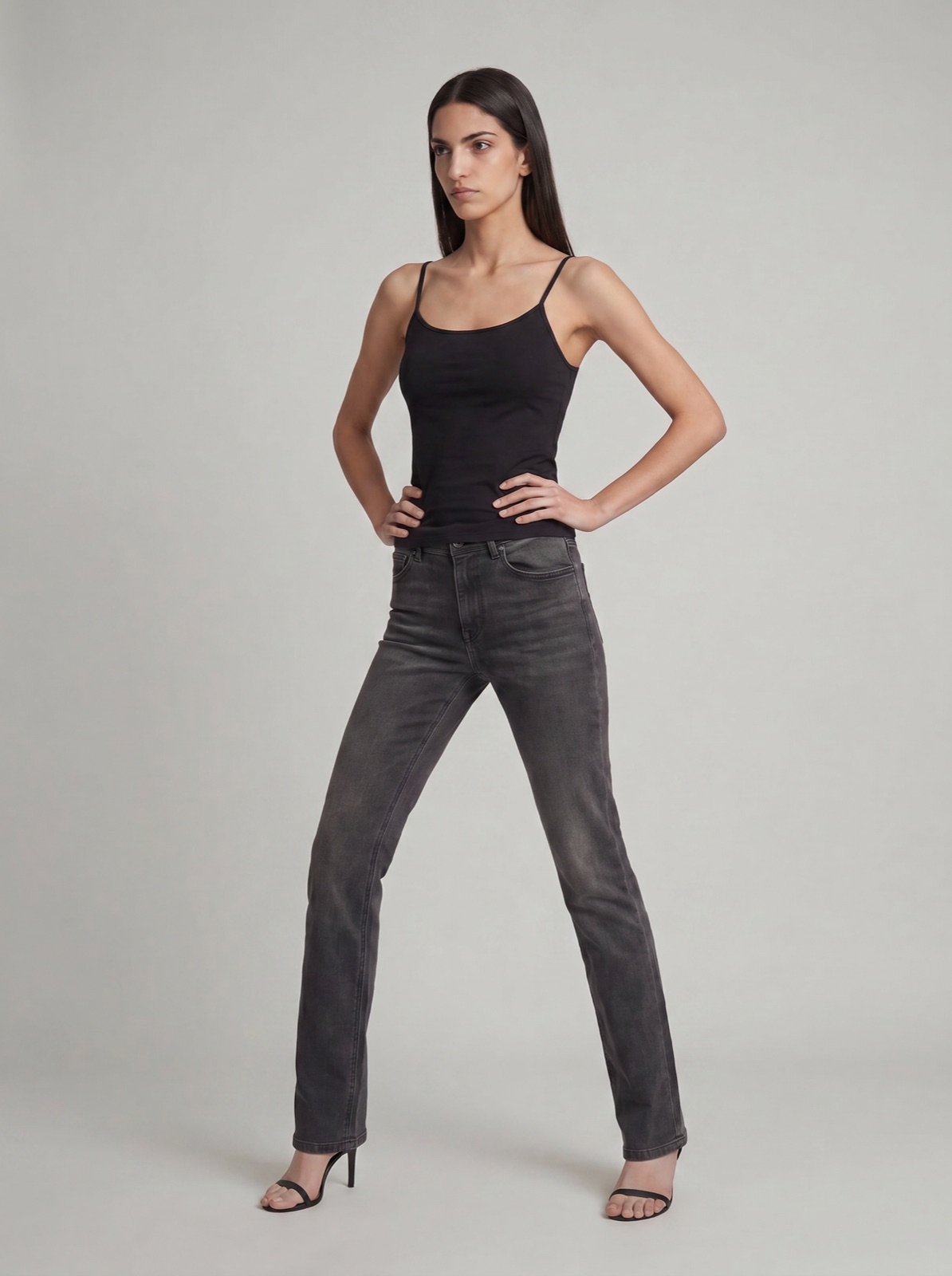
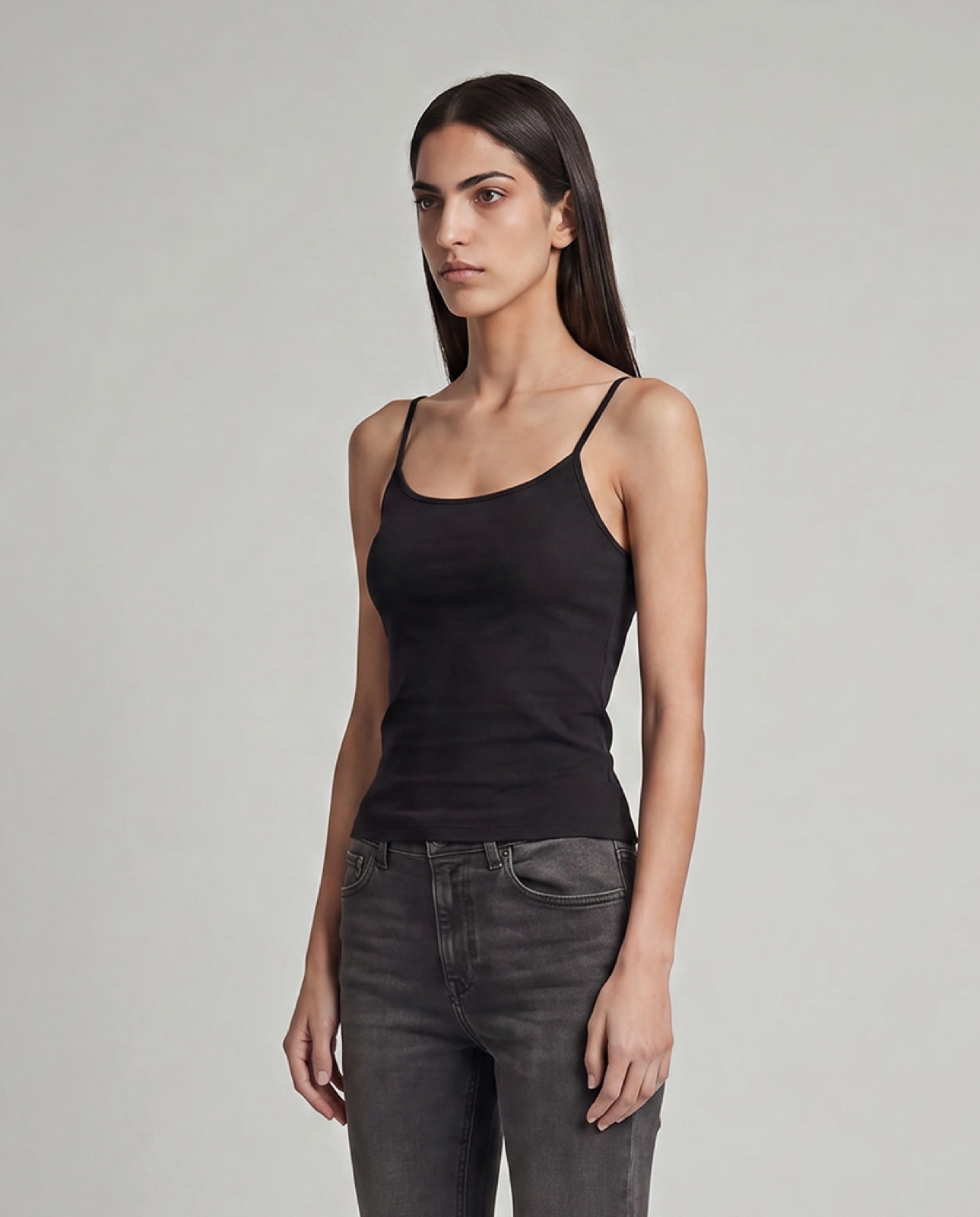
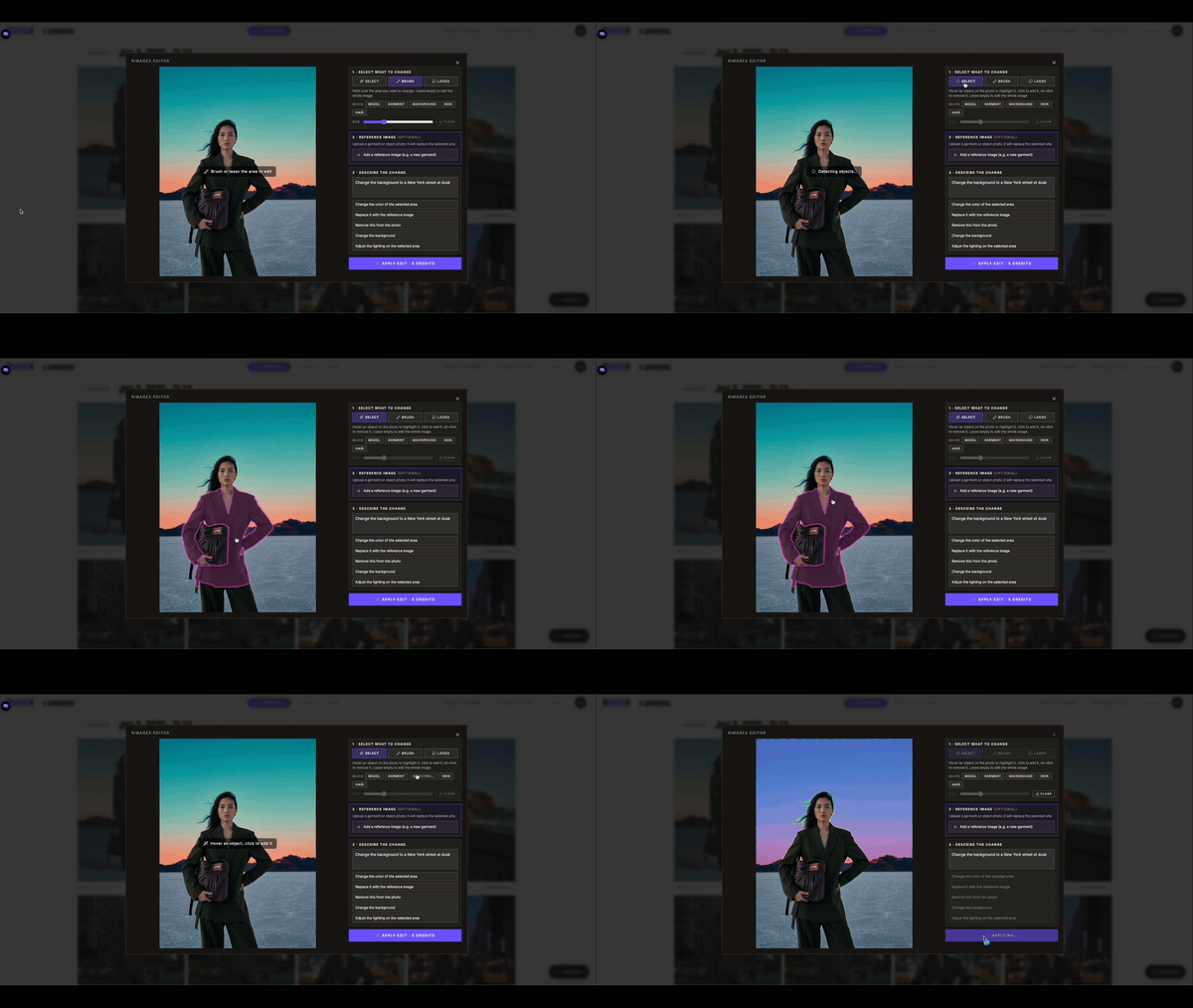
Select the area that needs work, add a reference and describe the change. Keep the rest of the image in place.
Use a clear still-life, mannequin or product photo where the silhouette and important details are visible.
Yes. Choose from the cast and pose libraries before creating the image.
Yes. Use the Editor to work on a selected area without rebuilding the entire shot.